





Best Website Analytics Tools Compared (2026)
Compare website analytics software, from GA4 and Matomo to Plausible and Microsoft Clarity: cookies, where data is kept, PDPA consent and GA4 retention.

The short answer
- 01
Start with GA4, then add one tool for the question it cannot answer. GA4 is free and feeds Google Ads. Add Microsoft Clarity or Hotjar to see how people use a page, a privacy-first tool such as Plausible or Fathom for simpler counts, or Mixpanel, Amplitude or PostHog for apps.
- 02
Know where each tool keeps your data. Many store it in the EU or the US, and when the data is personal the PDPA treats that as an overseas transfer. Self-hosted Matomo, Umami or Plausible Community Edition can run on a server in Singapore.
- 03
Expect the numbers to differ. Ad blockers, cookie choices, bot filters and different rules for a visit mean two tools rarely agree. Pick one source of truth for each question, and track enquiries as well as visits.
Website analytics software shows where your visitors come from, which pages they read and which visits turn into enquiries or sales. For most business websites, the free Google Analytics 4 (GA4) is the place to start.
Add a second tool only when GA4 cannot answer your question. We set up GA4 and first-party website analytics for Singapore businesses, and compare the main tools below from their own websites.
Last checked: October 2026. Each tool is described from its own website and documentation, listed alphabetically, with no prices or ratings. Pulse, our own analytics, is not part of the list; see the box below the shortlist.
Which website analytics tool is best for your business?
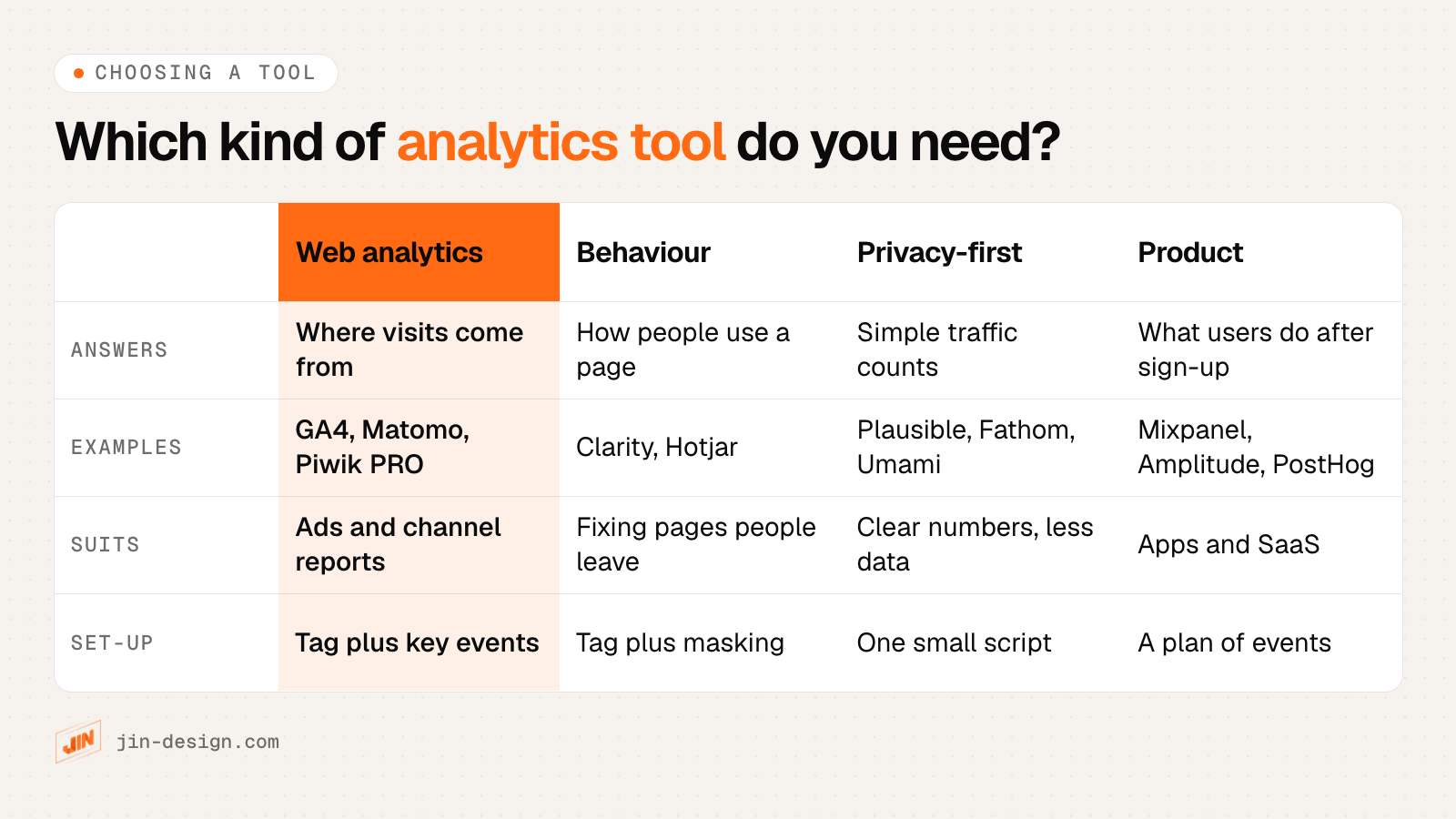
Pick the tool by the question you need answered. GA4 covers where visits come from, and the tools below fill specific gaps.
- Free traffic reports and Google Ads: Google Analytics 4
- Heatmaps and session recordings: Microsoft Clarity, Hotjar
- Simple numbers without cookies: Plausible Analytics, Fathom Analytics, Simple Analytics, Cloudflare Web Analytics
- Data on your own server, including in Singapore: Matomo, Umami, Plausible Analytics (Community Edition); PostHog can be self-hosted too, though PostHog calls that officially unsupported
- Apps, SaaS and sign-up journeys: Mixpanel, Amplitude, PostHog
- Large or regulated organisations: Adobe Analytics, Piwik PRO
Our own analytics: Pulse
Disclosure: Pulse is JIN Design's own product, so we have left it out of the list and the comparison table. Pulse is the first-party analytics dashboard we build into our clients' websites. It runs on your own domain with no third-party cookies, and sets one first-party cookie (zp_vid) to recognise returning visitors. When someone sends an enquiry, Pulse links it to the visits that led to it, with the first and last touch, the campaign and the button they clicked. It works alongside GA4, so your Google reports and ad optimisation keep running.
The 14 website analytics tools at a glance
“Best for” is our summary. Every other cell comes from the tool’s own website or documentation, and “Not stated” means we could not find it there.
| Tool | Type | Best for | Cookies | Data kept in | Self-hosting | Free option |
|---|---|---|---|---|---|---|
| Adobe Analytics | Enterprise customer analytics | Large or regulated organisations | Yes (mostly first-party) | Not stated | No | Demo on request |
| Amplitude | Product analytics | Apps, SaaS and sign-up journeys | Yes by default; local storage or none optional | US, or EU (Frankfurt) | No | Free plan |
| Cloudflare Web Analytics | Web analytics (traffic) | Simple traffic counts without cookies | None (stated) | Not stated | No | Free |
| Fathom Analytics | Privacy-first web analytics | Simple numbers without cookies | None (stated) | EU visitors via EU infrastructure; others global | No | 7-day free trial |
| Google Analytics 4 | Web and app analytics | Free traffic reports and Google Ads | Yes (first-party) | Google data centres (countries not named) | No | Free (Analytics 360 for enterprises) |
| Hotjar | Behaviour analytics | Heatmaps, recordings and surveys | Yes (first-party) | Ireland (AWS) for Hotjar accounts; ask Contentsquare where new accounts are hosted | No | Free plan (on Contentsquare) |
| Matomo | Web analytics | Data on your own server | Optional (cookieless mode) | Your own server, or Matomo Cloud | Yes | Open source to self-host; 21-day Cloud trial |
| Microsoft Clarity | Behaviour analytics | Free heatmaps and session recordings | Yes (mainly first-party) | Microsoft Azure (region not stated) | No | Free |
| Mixpanel | Product analytics | Apps, SaaS and sign-up journeys | Yes by default; local storage optional | US by default; EU option | No | Free plan |
| Piwik PRO | Web and app analytics | Large or regulated organisations | Yes (first-party); cookie-free option | Several regions, including Hong Kong | Managed on-premises or private cloud | 30-day free trial |
| Plausible Analytics | Privacy-first web analytics | Simple numbers without cookies | None (stated) | EU (European-owned servers) | Yes, Community Edition | 30-day trial; free self-hosted edition |
| PostHog | Product and web analytics | Apps and SaaS, many tools in one | Optional (cookieless mode) | US (Virginia) or EU (Frankfurt), or self-hosted | Yes, officially unsupported | Free tier |
| Simple Analytics | Privacy-first web analytics | Simple numbers without cookies | No analytics cookies (stated) | EU | No | Free plan; 14-day trial |
| Umami | Web and product analytics | Data on your own server | None (stated) | Your own server, or Umami Cloud | Yes | Free to self-host; free start on Cloud |
The website analytics tools in detail
1. Adobe Analytics
Adobe’s enterprise analytics, which its product page now presents as Adobe CX Analytics, for joining customer data from many channels in one platform.
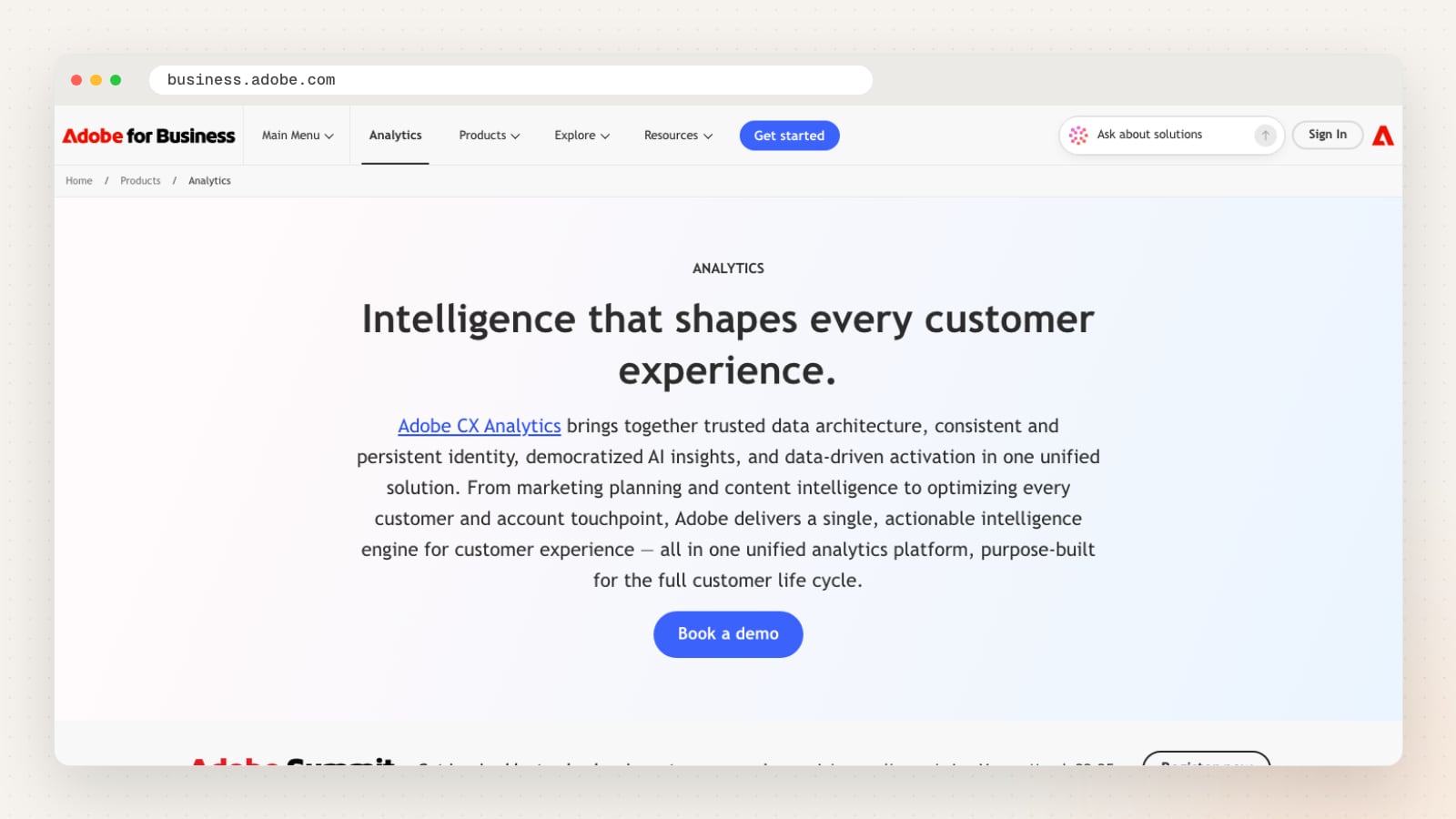
Adobe describes its analytics as one platform that brings together a shared data architecture, a persistent customer identity, AI insights and activation, from marketing planning to every customer touchpoint. Adobe’s documentation describes Adobe Analytics as turning data from digital customer interactions into insights, with in-depth analysis, reporting and predictive intelligence.
Adobe also offers Customer Journey Analytics, which its documentation calls its next-generation analytics product, built on Adobe Experience Platform data. If you are starting fresh, ask Adobe which of the two it would set up for you. Access starts with a demo booking rather than a self-serve sign-up.
| Detail | Adobe Analytics |
|---|---|
| Website | business.adobe.com |
| Type | Enterprise customer analytics |
| Main features | Cross-channel analysis, reporting, predictive intelligence, AI insights, activation |
| Cookies | Yes (mostly first-party) |
| Self-hosting | No |
| Free option | Demo on request |
| Also offers | Customer Journey Analytics, other Adobe Experience Cloud products |
Pros
- Joins web data with other customer touchpoints in one platform
- AI insights and activation sit in the same product
- Fits teams already using other Adobe marketing products
Things to check
- Ask whether Adobe Analytics or Customer Journey Analytics suits your setup
- Confirm where your data will be stored and processed
- Ask what implementation support is included and who provides it
Good fit for: large organisations that already work with Adobe’s marketing products.
2. Amplitude
A product analytics platform with session replay, heatmaps and experimentation, built mainly for product teams.
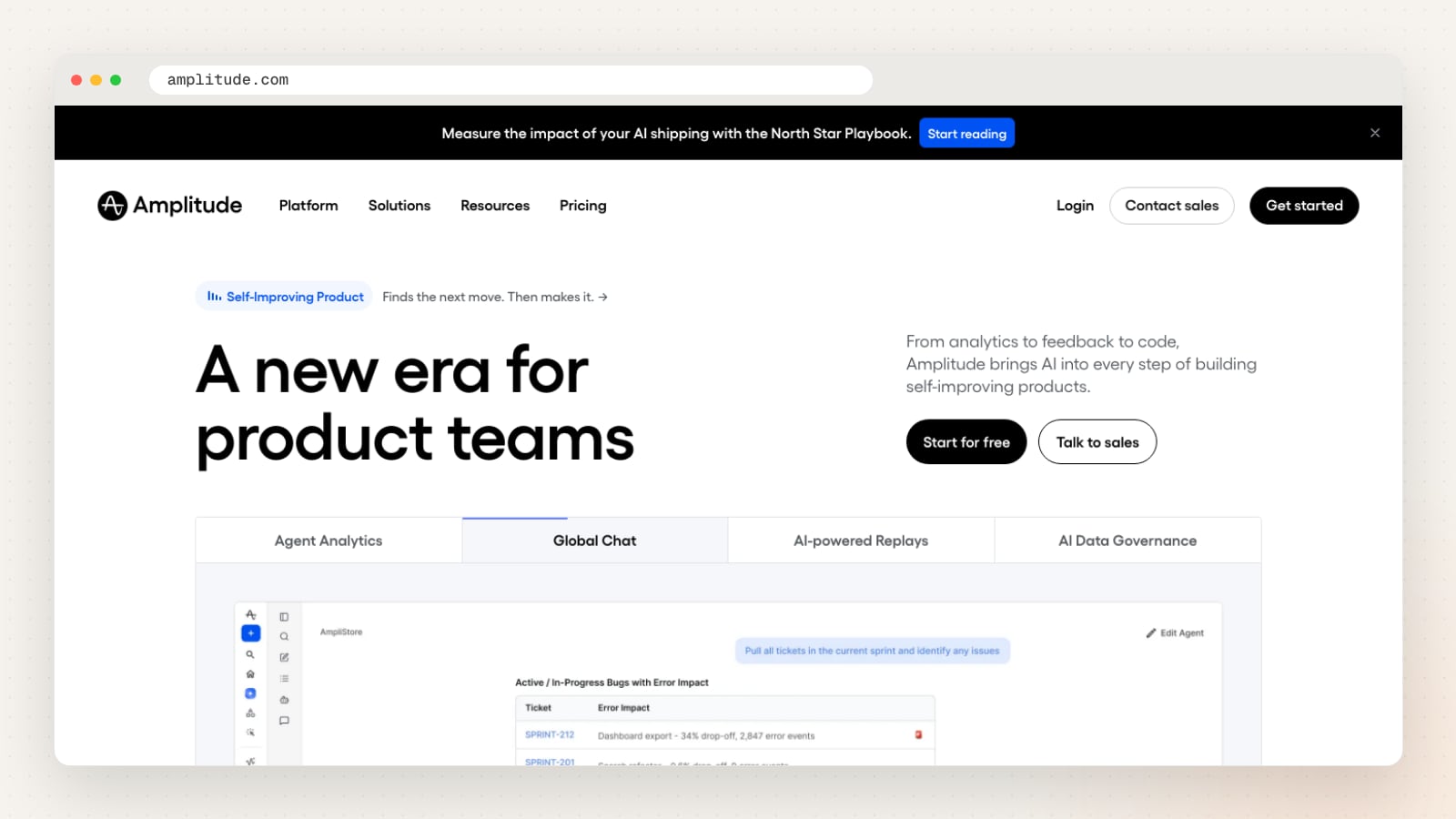
Amplitude groups its tools into insights (product analytics, session replay, heatmaps and marketing analytics) and action (feature and web experimentation, feature management, guides and surveys). It also offers AI agents and an MCP server, so AI assistants can query your data.
Its home page advertises a free plan that includes 2 million events a month. Amplitude runs an EU data centre on AWS in Frankfurt for Amplitude Analytics and Experiment, alongside its US hosting, which matters if you would rather keep analytics data in the EU than the US.
| Detail | Amplitude |
|---|---|
| Website | amplitude.com |
| Type | Product analytics |
| Main features | Product analytics, session replay, heatmaps, experiments, surveys, AI agents |
| Where data is kept | US, or EU (Frankfurt) |
| Cookies | Yes by default; local storage or none optional |
| Self-hosting | No |
| Conversions tracked as | Custom events |
| Free option | Free plan |
| Also offers | Feature management, guides and surveys, MCP server |
Pros
- Free plan with a monthly event allowance stated on the home page
- Analytics, replay and experiments share the same data
- EU data centre option for Analytics and Experiment
Things to check
- Plan the events you will track before installing, since product analytics depends on them
- Confirm which data centre your organisation will be created in
Good fit for: software and app teams measuring sign-ups, activation and retention.
3. Cloudflare Web Analytics
Free, lightweight traffic analytics from Cloudflare, which says it uses no cookies or local storage.
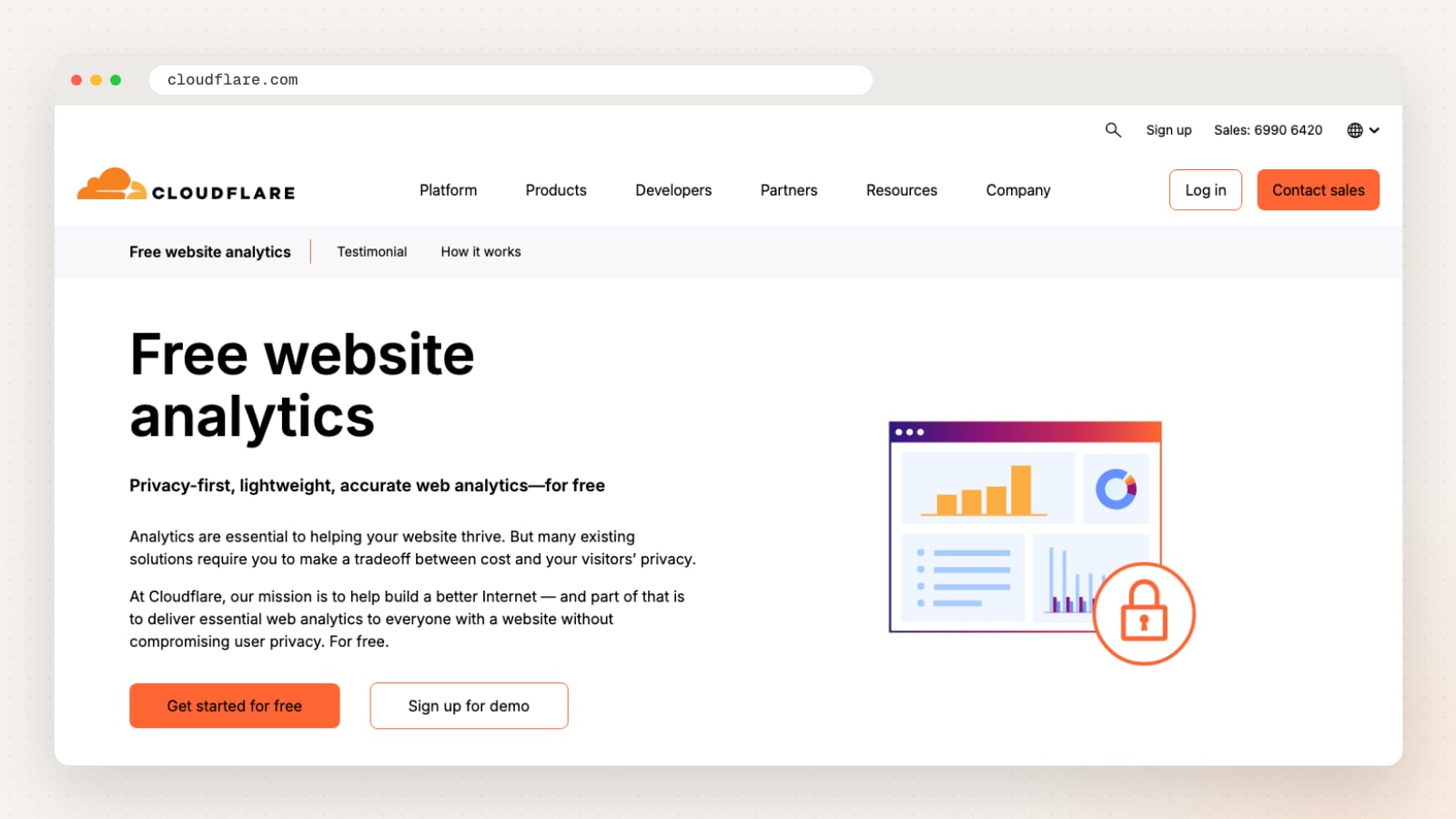
Cloudflare offers two ways to collect data: a JavaScript beacon you paste into your site, or, if your site already runs through Cloudflare’s network, analytics from its edge logs with no code at all. The dashboard shows top pages, referrers, countries, hostnames and status codes, and the beacon also measures page speed as visitors experience it.
Cloudflare says Web Analytics does not use cookies or local storage and does not fingerprint visitors by IP address or browser details. If your site already uses Cloudflare for DNS or security, this is a quick way to get a second view of your traffic next to GA4.
| Detail | Cloudflare Web Analytics |
|---|---|
| Website | cloudflare.com |
| Type | Web analytics (traffic) |
| Main features | Page views, top pages, referrers, countries, page speed |
| Cookies | None (stated) |
| Self-hosting | No |
| Free option | Free |
| Also offers | DNS, security and performance services |
Pros
- Free, with no cookies or local storage according to Cloudflare
- Works without code if your site is already proxied through Cloudflare
- Includes real-visitor page speed when you use the beacon
Things to check
- Confirm it covers what you need, since it focuses on traffic rather than conversions
- Decide whether to use the beacon or edge logs, as they count visits differently
Good fit for: small sites that want simple, free traffic numbers, or a second opinion next to GA4.
4. Fathom Analytics
A privacy-first Google Analytics alternative from a Canadian company started in 2018, which says it does not use cookies.
Fathom tracks page views anonymously without collecting or storing personal data, with UTM campaign tracking, custom events with monetary values for conversions, an all-sites view and email reports. It keeps your analytics history for as long as you remain a customer, and you can export your data.
Fathom routes traffic from EU visitors through European-owned infrastructure and other traffic through global infrastructure. Because it uses no cookies, Fathom says its analytics needs no consent banner; in Singapore, check that against the PDPC guidance below rather than any EU rule.
| Detail | Fathom Analytics |
|---|---|
| Website | usefathom.com |
| Type | Privacy-first web analytics |
| Main features | Page views, sources, UTM campaigns, events, conversions with values, email reports |
| Where data is kept | EU visitors via EU infrastructure; others global |
| Cookies | None (stated) |
| Self-hosting | No |
| Conversions tracked as | Events with monetary values |
| Free option | 7-day free trial |
| Also offers | Multi-site dashboard, data export |
Pros
- No cookies and no personal data collected, according to Fathom
- Keeps your history for as long as you are a customer
- One dashboard for many sites, useful for groups and agencies
Things to check
- Confirm the event and conversion tracking covers your forms and buttons
- Check how it handles visitors from Singapore, which fall under its global infrastructure
Good fit for: business sites that want clear traffic and campaign numbers without cookies.
5. Google Analytics 4
Google’s free web and app analytics, and the usual starting point for sites that advertise on Google.
Google Analytics measures websites and apps together, with built-in automation, flexible reporting and cross-platform attribution, and Google says its machine learning can surface insights and anticipate customer actions. It connects with Google Ads, Search Ads 360, Display & Video 360, Google Cloud and Search Console. Analytics 360 is its version for enterprises.
Two settings matter from day one. Data retention is 2 or 14 months on the free version and only limits explorations and funnel reports, not standard reports. Google’s policies also forbid sending it any data that identifies a person, which often slips in through thank-you page addresses. Google says Google Analytics does not log or store IP addresses.
| Detail | Google Analytics 4 |
|---|---|
| Website | marketingplatform.google.com |
| Type | Web and app analytics |
| Main features | Traffic, events, key events, attribution, audiences, explorations, predictive insights |
| Where data is kept | Google data centres (countries not named) |
| Cookies | Yes (first-party) |
| Self-hosting | No |
| Conversions tracked as | Key events |
| Free option | Free (Analytics 360 for enterprises) |
| Also offers | Links with Google Ads, Search Console and Google Cloud |
Pros
- Free of charge, with Analytics 360 for enterprises
- Feeds conversions and audiences to Google Ads
- Measures websites and apps in one property
Things to check
- Set data retention to 14 months, the longest on the free version
- Make sure no emails or names reach it through page addresses or titles
- Mark your enquiry form and WhatsApp clicks as key events
Good fit for: almost every business site, especially one that runs Google Ads.
6. Hotjar
Heatmaps, recordings and surveys, now part of Contentsquare; new users sign up through Contentsquare’s free plan.
Hotjar and Contentsquare have merged into one platform. Existing Hotjar users keep signing in with their current details, while new users start on Contentsquare, whose free plan includes heatmaps, session replay, surveys, funnels and error monitoring.
Hotjar’s help centre says Hotjar account data is stored on Amazon Web Services in Ireland; if you sign up through Contentsquare, ask where your new account is hosted. Hotjar’s recordings hide what visitors type by default, but other text on the page, such as a name shown on an account page, is not hidden unless you suppress it, so check logged-in pages before you record them.
| Detail | Hotjar |
|---|---|
| Website | contentsquare.com/hotjar |
| Type | Behaviour analytics |
| Main features | Heatmaps, attention maps, session replay, surveys, feedback, funnels |
| Where data is kept | Ireland (AWS) for Hotjar accounts; ask Contentsquare where new accounts are hosted |
| Cookies | Yes (first-party) |
| Self-hosting | No |
| Conversions tracked as | Funnels |
| Free option | Free plan (on Contentsquare) |
| Also offers | User interviews, error monitoring, integrations with Slack and Jira |
Pros
- Heatmaps, replays and surveys in one place
- Free plan for new sign-ups through Contentsquare
- Typed input hidden from recordings by default
Things to check
- Confirm whether you are signing up for Hotjar or the Contentsquare plan
- Suppress personal details shown on account and order pages
- Name it in your privacy policy as a tool that stores data outside Singapore
Good fit for: teams that want to see why visitors leave a page and ask them directly.
7. Matomo
Open-source analytics you can host on your own server or use as Matomo Cloud, with full ownership of your data.
Matomo covers traffic, funnels, flows, segments, events and conversions, and adds heatmaps, session recordings, A/B testing and a tag manager. It says it is trusted by 1 million organisations, and that you are the sole owner of the data you track.
You can install it on your own server or let Matomo host it in Matomo Cloud, which has a 21-day free trial. Self-hosting means you choose where the data lives, including a server in Singapore, but you also take on updates, backups and security. Matomo supports cookieless tracking and configurations it describes as consent-exempt under EU rules.
| Detail | Matomo |
|---|---|
| Website | matomo.org |
| Type | Web analytics |
| Main features | Traffic, funnels, events, conversions, heatmaps, recordings, A/B tests, tag manager |
| Where data is kept | Your own server, or Matomo Cloud |
| Cookies | Optional (cookieless mode) |
| Self-hosting | Yes |
| Conversions tracked as | Conversions, funnels |
| Free option | Open source to self-host; 21-day Cloud trial |
| Also offers | Tag Manager, raw data export |
Pros
- You own the data and can keep it on a server you choose
- Heatmaps, recordings and A/B tests alongside standard reports
- Can run without cookies
Things to check
- Agree who updates and secures the server if you self-host
- Ask Matomo where Matomo Cloud data is hosted, as its Cloud page does not say
Good fit for: organisations that want GA4-style reports with the data on their own server.
8. Microsoft Clarity
Microsoft’s free behaviour analytics: session recordings, heatmaps and AI summaries, with no traffic limits.
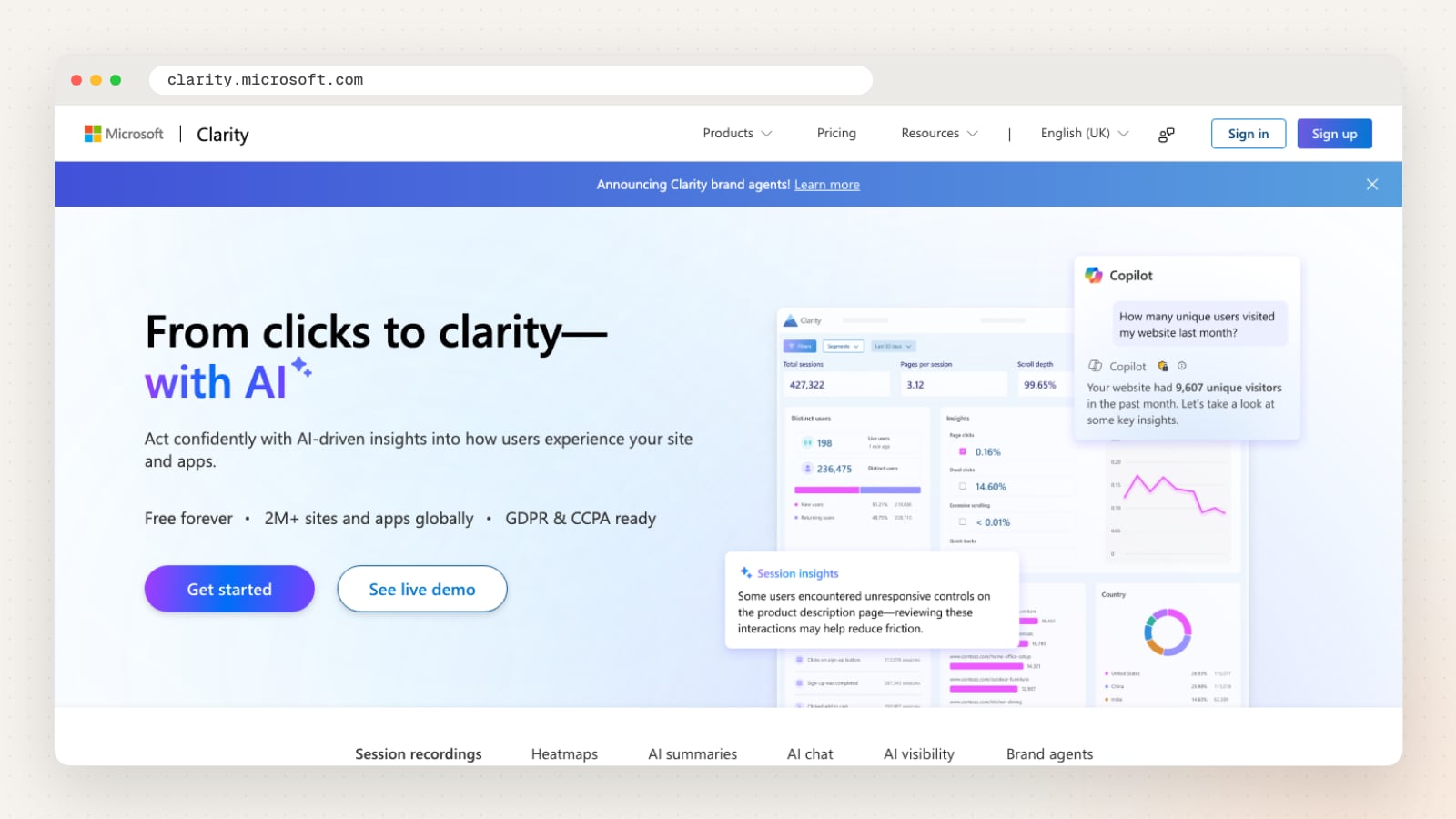
Clarity records sessions, builds click and scroll heatmaps, and uses Copilot to summarise behaviour and answer questions about your data. Microsoft says it is free forever, with no traffic limits and no sampling, and it also shows when AI bots crawl your site and when AI experiences cite your content.
Its FAQ says data is stored in Microsoft Azure and kept for up to 30 days from the time of recording, and that text in input boxes is always masked. Clarity sets cookies and Microsoft says you should tell visitors about them; its consent signal requirement currently applies to visitors in the EEA, the UK and Switzerland.
| Detail | Microsoft Clarity |
|---|---|
| Website | clarity.microsoft.com |
| Type | Behaviour analytics |
| Main features | Session recordings, heatmaps, AI summaries and chat, AI visibility |
| Where data is kept | Microsoft Azure (region not stated) |
| Cookies | Yes (mainly first-party) |
| Self-hosting | No |
| Free option | Free |
| Also offers | Mobile app SDKs, browser extension, MCP server |
Pros
- Free, with no traffic limits or sampling
- Input boxes always masked in recordings
- Shows AI bot crawling and AI citations
Things to check
- Plan around the 30-day window for recordings
- Mention Clarity and its cookies in your privacy policy
Good fit for: any site that wants free heatmaps and recordings next to GA4.
9. Mixpanel
Product analytics for tracking events, sign-ups and retention in apps and websites, with session replay and experiments.
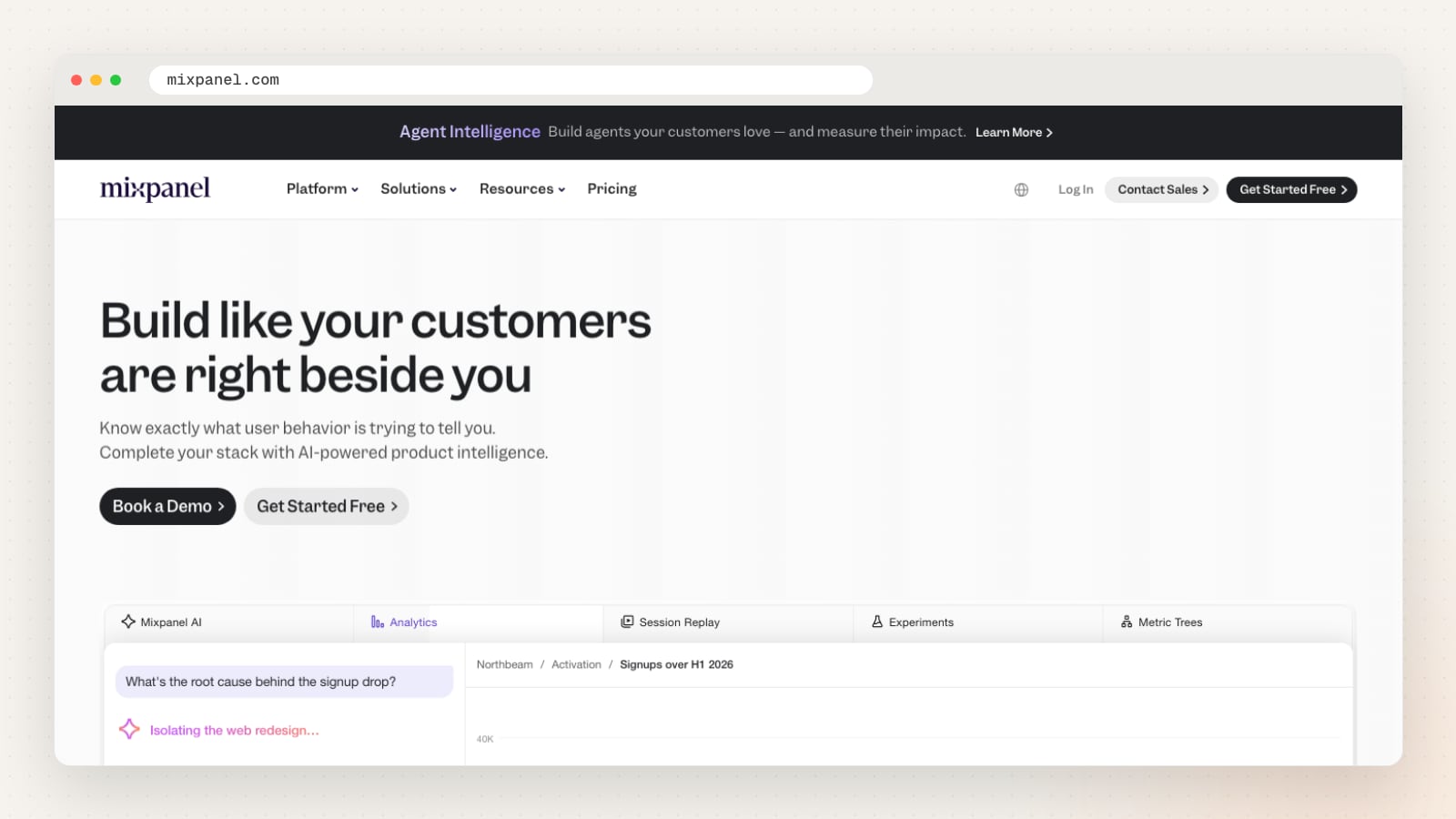
Mixpanel covers product, web and mobile analytics, session replay, experiments, feature flags and metric trees, plus AI features and an MCP server for AI tools. It offers plans for startups, small and midsize businesses, and enterprises.
Its documentation says user data is stored on US servers on Google Cloud by default, with an EU data residency option you choose when you create a project. You can start on a free plan.
| Detail | Mixpanel |
|---|---|
| Website | mixpanel.com |
| Type | Product analytics |
| Main features | Events, funnels, retention, session replay, experiments, feature flags |
| Where data is kept | US by default; EU option |
| Cookies | Yes by default; local storage optional |
| Self-hosting | No |
| Conversions tracked as | Custom events |
| Free option | Free plan |
| Also offers | Metric trees, warehouse connections, MCP server |
Pros
- Free plan to start
- Web, mobile and product analytics in one tool
- EU data residency option at project set-up
Things to check
- Choose the data residency before you create the project
- Write a tracking plan of event names first
Good fit for: apps, SaaS and online services measuring what users do after signing up.
10. Piwik PRO
Privacy-focused analytics with its own tag manager and consent manager, aimed at marketing and compliance teams.
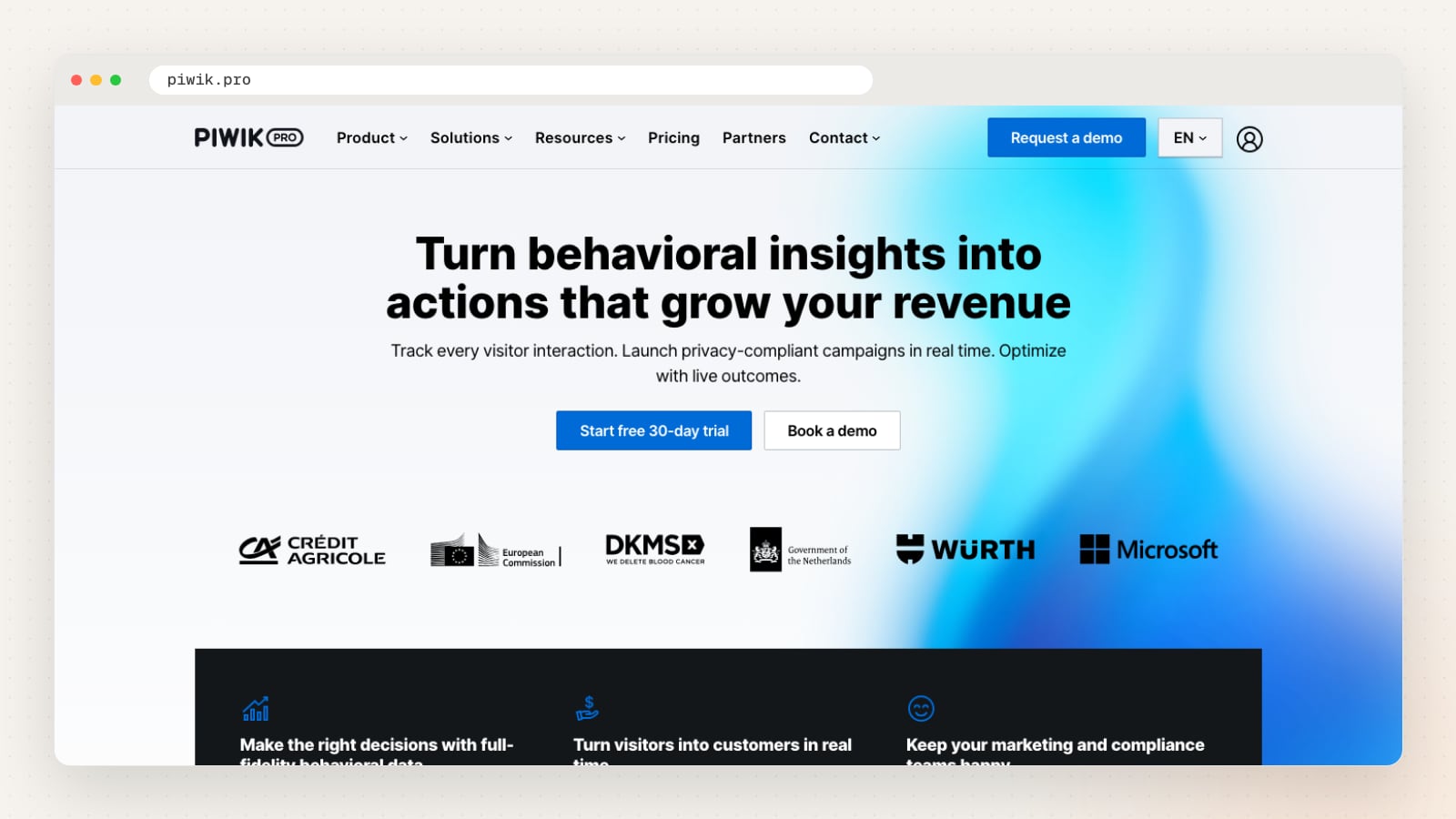
Piwik PRO combines web and app analytics, session-level user journeys and conversion attribution with a tag manager, a consent manager and data activation, which triggers actions such as follow-up emails from visitor behaviour. It names healthcare, banking, energy, government and ecommerce among its use cases.
Piwik PRO says it helps meet the requirements of GDPR, HIPAA and more than 140 laws. Its hosting announcement lists locations in Germany, the Netherlands, Sweden, the US, Hong Kong and the UAE, plus Microsoft Azure regions, so ask which one your plan uses. There is a 30-day free trial.
| Detail | Piwik PRO |
|---|---|
| Website | piwik.pro |
| Type | Web and app analytics |
| Main features | Analytics, user journeys, attribution, tag manager, consent manager, data activation |
| Where data is kept | Several regions, including Hong Kong |
| Cookies | Yes (first-party); cookie-free option |
| Self-hosting | Managed on-premises or private cloud |
| Conversions tracked as | Conversion attribution |
| Free option | 30-day free trial |
| Also offers | Consent manager, tag manager, free cookie scanner |
Pros
- Analytics, tag manager and consent manager from one vendor
- Hosting locations include Hong Kong for Asia-Pacific
- Use cases for regulated sectors
Things to check
- Ask which hosting location your plan includes
- Confirm the consent manager's settings match PDPC guidance, not only GDPR
Good fit for: regulated or larger organisations that want analytics and consent tools from one vendor.
11. Plausible Analytics
A lightweight, open-source Google Analytics alternative, made and hosted in the EU, which uses no cookies.
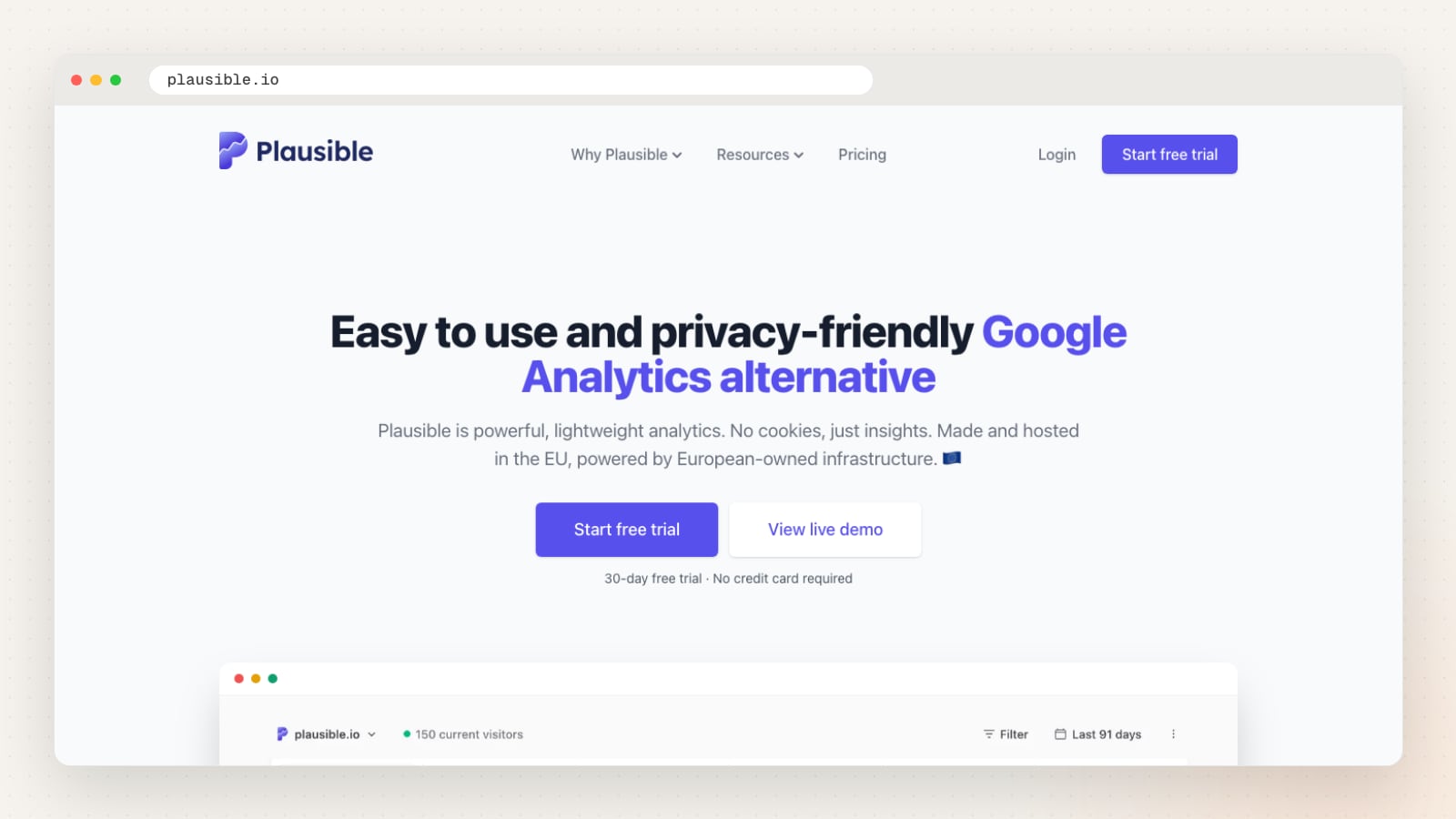
Plausible shows visitors, sources and pages on one real-time dashboard, with scroll depth on every page, goals for form completions, downloads and outbound clicks, funnels, revenue and UTM campaigns grouped into channels. It shows traffic from AI tools such as ChatGPT and Perplexity, and connects to Google Search Console.
Plausible says it uses no cookies and processes no personal data, and that visitor data stays on European-owned servers in the EU. You can also run the free, self-hosted Community Edition on your own server. The cloud service has a 30-day free trial.
| Detail | Plausible Analytics |
|---|---|
| Website | plausible.io |
| Type | Privacy-first web analytics |
| Main features | Visitors, sources, goals, funnels, scroll depth, UTM channels, Search Console data |
| Where data is kept | EU (European-owned servers) |
| Cookies | None (stated) |
| Self-hosting | Yes, Community Edition |
| Conversions tracked as | Goals (forms, outbound clicks), funnels |
| Free option | 30-day trial; free self-hosted edition |
| Also offers | Google Analytics import, Looker Studio connector, WordPress plugin |
Pros
- One-page dashboard most teams can read without training
- No cookies and no personal data, according to Plausible
- Self-hosted edition for keeping data on your own server
Things to check
- Confirm goals cover your enquiry form and WhatsApp button
- Decide between the EU cloud and self-hosting if data location matters to you
Good fit for: business sites that want simple traffic and goal numbers without cookies.
12. PostHog
An open-source product platform with web analytics, product analytics, session replay, feature flags and experiments in one place.
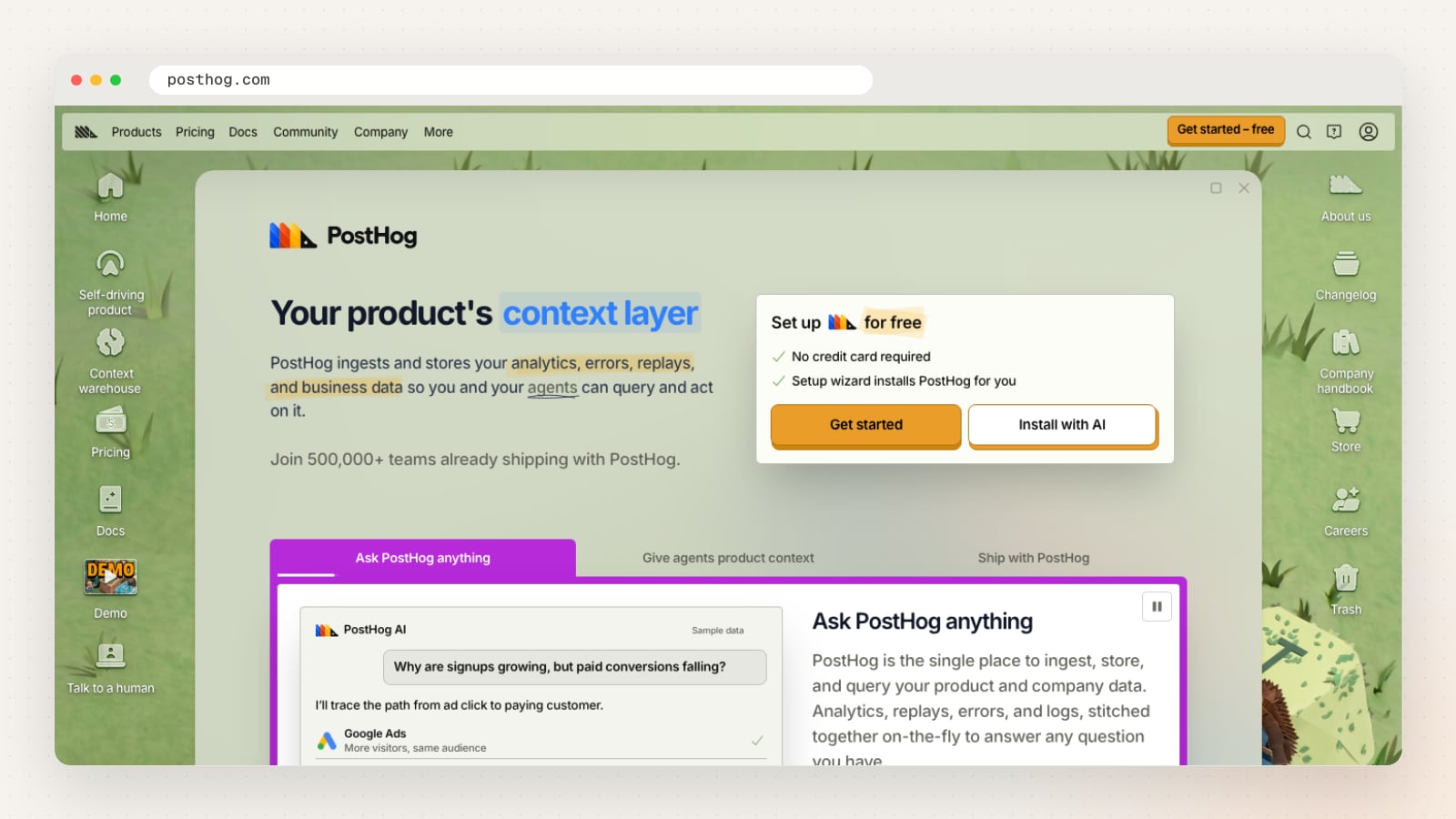
PostHog’s web analytics is a ready-made dashboard for visitors, page views, sessions, bounce rate, referrers, UTMs and Core Web Vitals, built on the same events as its product analytics and session replay. It has an optional cookieless mode, classifies bot and AI traffic, and can import data from Google Analytics.
Its cloud runs in the US (Virginia) or the EU (Frankfurt). PostHog is open source and offers a free self-hosted deployment under an MIT licence, which it describes as officially unsupported. You can start free without a credit card.
| Detail | PostHog |
|---|---|
| Website | posthog.com |
| Type | Product and web analytics |
| Main features | Web analytics, product analytics, session replay, feature flags, experiments, surveys |
| Where data is kept | US (Virginia) or EU (Frankfurt), or self-hosted |
| Cookies | Optional (cookieless mode) |
| Self-hosting | Yes, officially unsupported |
| Conversions tracked as | Events; ad spend to conversions |
| Free option | Free tier |
| Also offers | Error tracking, context warehouse, MCP server |
Pros
- Web and product analytics on the same events
- Optional cookieless mode for web analytics
- Choice of US or EU cloud
Things to check
- Pick the cloud region at sign-up
- Treat self-hosting as officially unsupported, as PostHog itself says
Good fit for: software teams and online services that want analytics, replay and experiments in one tool.
13. Simple Analytics
Privacy-first web analytics from a small Amsterdam team, started in 2018, which works without analytics cookies.
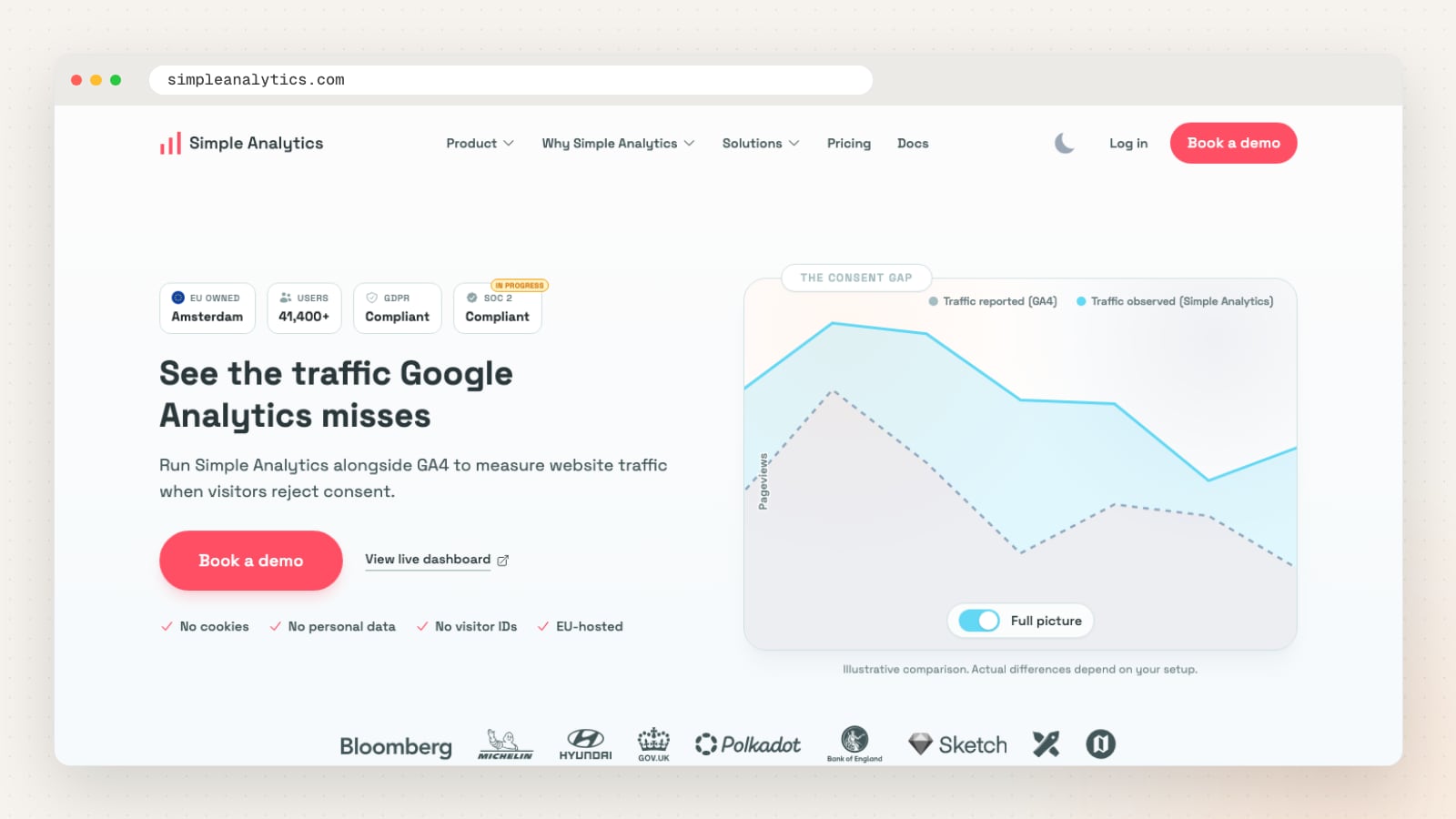
Simple Analytics reports traffic, referrers, events, goals with funnel steps and campaigns, with an events explorer, server-side events, an API and an AI assistant. It says it does not store IP addresses or build persistent visitor profiles.
It is EU-hosted, and its site says plainly that it does not do individual user journeys, cohorts, session replay or cross-device identity, which makes it easy to tell whether it fits. There is a free plan, a 14-day trial, and a free 30-day proof of concept for larger teams running it next to GA4.
| Detail | Simple Analytics |
|---|---|
| Website | simpleanalytics.com |
| Type | Privacy-first web analytics |
| Main features | Traffic, referrers, events, goals, campaigns, API, AI assistant |
| Where data is kept | EU |
| Cookies | No analytics cookies (stated) |
| Self-hosting | No |
| Conversions tracked as | Goals with funnel steps |
| Free option | Free plan; 14-day trial |
| Also offers | White-label dashboards for agencies |
Pros
- Free plan to start
- Clear statement of what it does not track
- Side-by-side trial next to GA4 for larger teams
Things to check
- Confirm you do not need user journeys or session replay
- Keep personal data out of event names and metadata, as it asks
Good fit for: sites that want privacy-first traffic numbers to compare with GA4.
14. Umami
Open-source web and product analytics you can host yourself or use on Umami Cloud, without cookies.
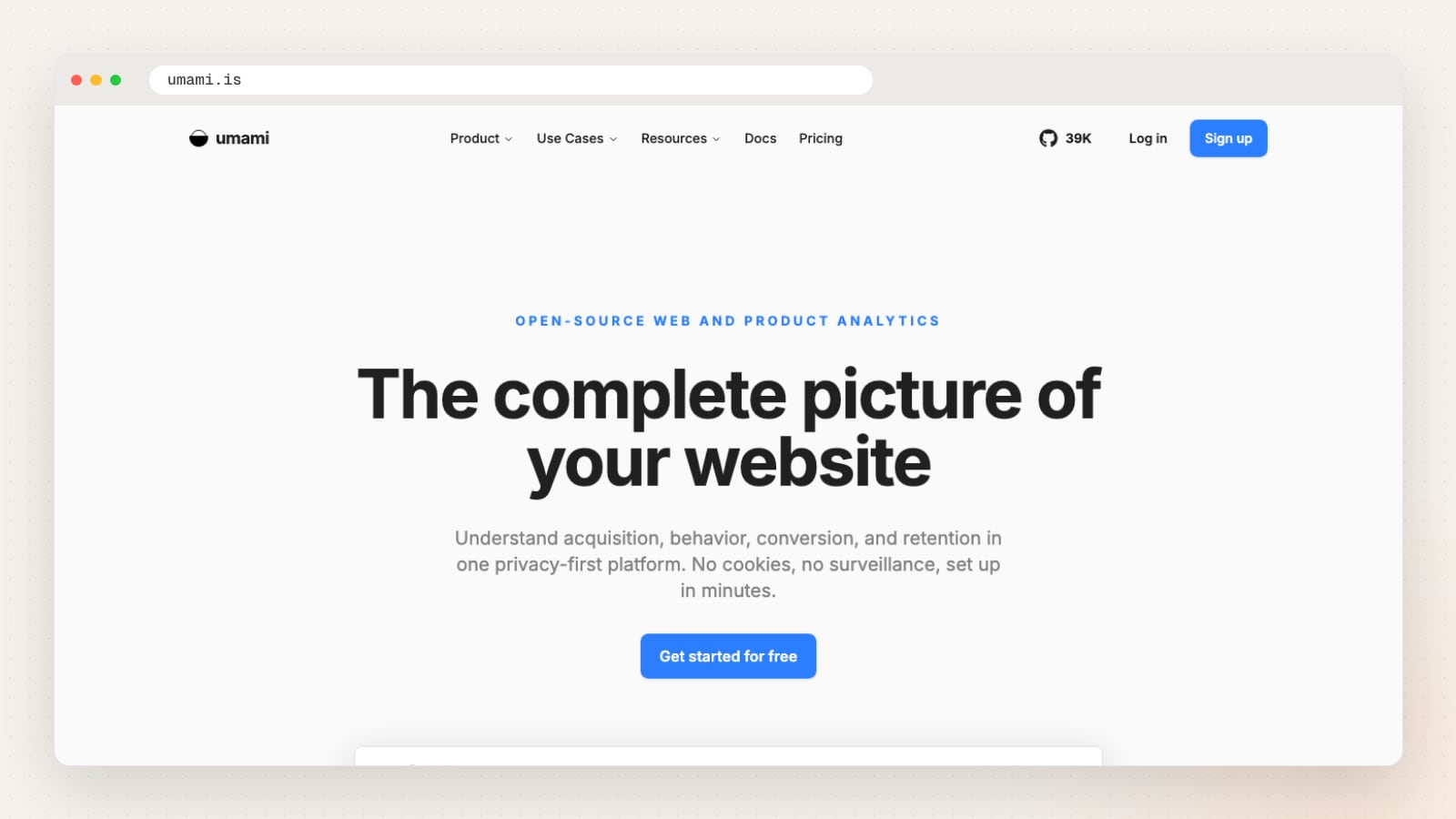
Umami covers acquisition (sources, referrers and UTM campaigns), behaviour (custom events, user journeys, heatmaps and session replay), funnels, goals, retention cohorts and revenue. Its MCP server lets AI assistants query your analytics on Cloud Pro plans and recent self-hosted versions.
Umami says it works without cookies and never collects personal data. Self-hosting lets you keep the data on a server you choose, including one in Singapore, while Umami Cloud does the hosting for you.
| Detail | Umami |
|---|---|
| Website | umami.is |
| Type | Web and product analytics |
| Main features | Sources, UTM campaigns, events, journeys, funnels, retention, heatmaps, replay |
| Where data is kept | Your own server, or Umami Cloud |
| Cookies | None (stated) |
| Self-hosting | Yes |
| Conversions tracked as | Goals, funnels |
| Free option | Free to self-host; free start on Cloud |
| Also offers | MCP server for AI assistants |
Pros
- Open source, with a self-hosted option
- No cookies, according to Umami
- Funnels, retention and replay as well as traffic
Things to check
- Agree who maintains the server if you self-host
- Ask where Umami Cloud stores data, as the home page does not say
Good fit for: teams with a developer who want open-source analytics on their own server.
What is the difference between web, behaviour and product analytics?
Web analytics counts visits and shows where they came from; behaviour analytics shows what people do on a page; product analytics follows signed-in users through an app over time.
| Kind of tool | The question it answers | Tools in this list | Works best when |
|---|---|---|---|
| Web analytics | Which channels and pages bring visits and enquiries? | GA4, Matomo, Piwik PRO, Adobe Analytics | You run ads or SEO and need channel reports |
| Privacy-first web analytics | How many people visited, from where, without cookies? | Plausible, Fathom, Simple Analytics, Cloudflare, Umami | You want simple numbers and less personal data |
| Behaviour analytics | Where do people click, scroll and give up on a page? | Microsoft Clarity, Hotjar | A page gets traffic but few enquiries |
| Product analytics | What do users do after they sign up, and do they come back? | Mixpanel, Amplitude, PostHog | You run an app, portal or SaaS product |
A common pairing for a service business is GA4 for channels and Google Ads, with Microsoft Clarity added while you improve key pages. An online shop can start with its platform’s own reports plus GA4’s ecommerce events. Each extra tool means another script on every page and another line in your privacy policy, so add tools for a reason.
Do you need consent for analytics cookies in Singapore?
Singapore has no cookie law of its own. The PDPC applies the general PDPA rules to cookies, so whether you need consent depends on whether the cookie collects personal data and what you use it for.
Chapter 7 of the PDPC’s Advisory Guidelines on the PDPA for Selected Topics sets out how this works:
- Cookies that collect no personal data need no consent (paragraph 7.9).
- Doing nothing is not consent. A visitor who never changed their browser’s cookie settings has not, by that alone, agreed to every website’s purposes (7.12).
- Targeted advertising that collects and uses personal data through cookies needs consent, and the PDPC calls cookie preference settings that let people switch such cookies on or off good practice (7.14).
- An IP address on its own may not be personal data, but the more data points tied to it over time, the more likely it identifies a person (7.3 to 7.5).
Our reading, for analytics: the less a tool can identify a person, the weaker the case for asking first. GA4 used only for reports, with no names or emails sent to it, sits at the lower end. GA4 linked to Google Ads remarketing, Meta Pixel and session recordings of logged-in pages sit at the higher end, and a cookie preference setting is the safer choice there. This is general information, not legal advice.
Two details from the vendors themselves are worth knowing:
- “No cookies” is not the same as “no PDPA”. Plausible, Fathom, Simple Analytics, Cloudflare and Umami say they use no cookies, and their consent claims refer to the GDPR and other overseas laws. Under the PDPA the question is still whether you collect personal data, so name these tools in your privacy policy too.
- Microsoft Clarity’s consent requirement is regional. Its FAQ says Clarity needs a consent signal for visitors in the EEA, the UK and Switzerland, and that you should tell your visitors about the cookie it uses. A Singapore site with visitors from Europe still needs the signal for them.
Where do analytics tools store your data, and does it leave Singapore?
Most hosted analytics tools keep data in the EU, the US or a global cloud. When that data is personal, section 26 of the PDPA, the transfer limitation obligation, applies.
| Tool | Where its own site says data is kept |
|---|---|
| Google Analytics 4 | Google’s data centres; Google’s safeguards page does not name the countries |
| Microsoft Clarity | Microsoft Azure |
| Hotjar | Amazon Web Services in Ireland for Hotjar accounts, according to its security FAQs; ask Contentsquare where new accounts are hosted |
| Mixpanel | US servers on Google Cloud by default, EU on request at set-up |
| Amplitude | US, or its EU data centre on AWS in Frankfurt |
| PostHog | US (Virginia) or EU (Frankfurt) cloud, or self-hosted (officially unsupported) |
| Plausible, Simple Analytics | EU |
| Fathom | EU visitors through EU infrastructure, others through global infrastructure |
| Piwik PRO | Several regions, including Germany, the Netherlands, Sweden, the US, Hong Kong and the UAE |
| Matomo, Umami, Plausible Community Edition | Your own server (Matomo and Umami also offer a cloud service) |
The PDPC’s Key Concepts guidelines (paragraphs 19.4 to 19.7) explain that you can transfer personal data overseas when the recipient is bound to give it comparable protection, for example through a contract. The Personal Data Protection Regulations 2021 (regulation 11(2)(b)) add that such a contract must specify the countries and territories the data may be transferred to, which matters where a vendor does not name its countries. In our reading, for analytics that usually means accepting the vendor’s data processing terms in its admin settings and naming the tool and its purpose in your privacy policy.
If you want the data to stay in Singapore, self-hosting is the practical route: Matomo, Umami and Plausible Community Edition can run on a server you rent in Singapore. You then own the updates, backups and security, which is work a hosted service does for you.
Which GA4 data retention setting should you choose?
Set GA4 data retention to 14 months unless you have a reason to keep less. It is the longest option on the free version, and it only limits explorations and funnel reports, not your standard reports.
According to Google’s data retention help page:
- Free properties can keep user-level data and event data for 2 or 14 months. Analytics 360 properties can keep event data for 26, 38 or 50 months; user-level data stays at 2 or 14 months.
- Age, gender and interest data are always kept for 2 months.
- Standard reports are not affected. The setting applies to explorations and funnel reports.
- “Reset on new activity” extends a returning user’s expiry each time they come back.
- Shortening the period deletes data in the next monthly deletion, and changes take effect after 24 hours.
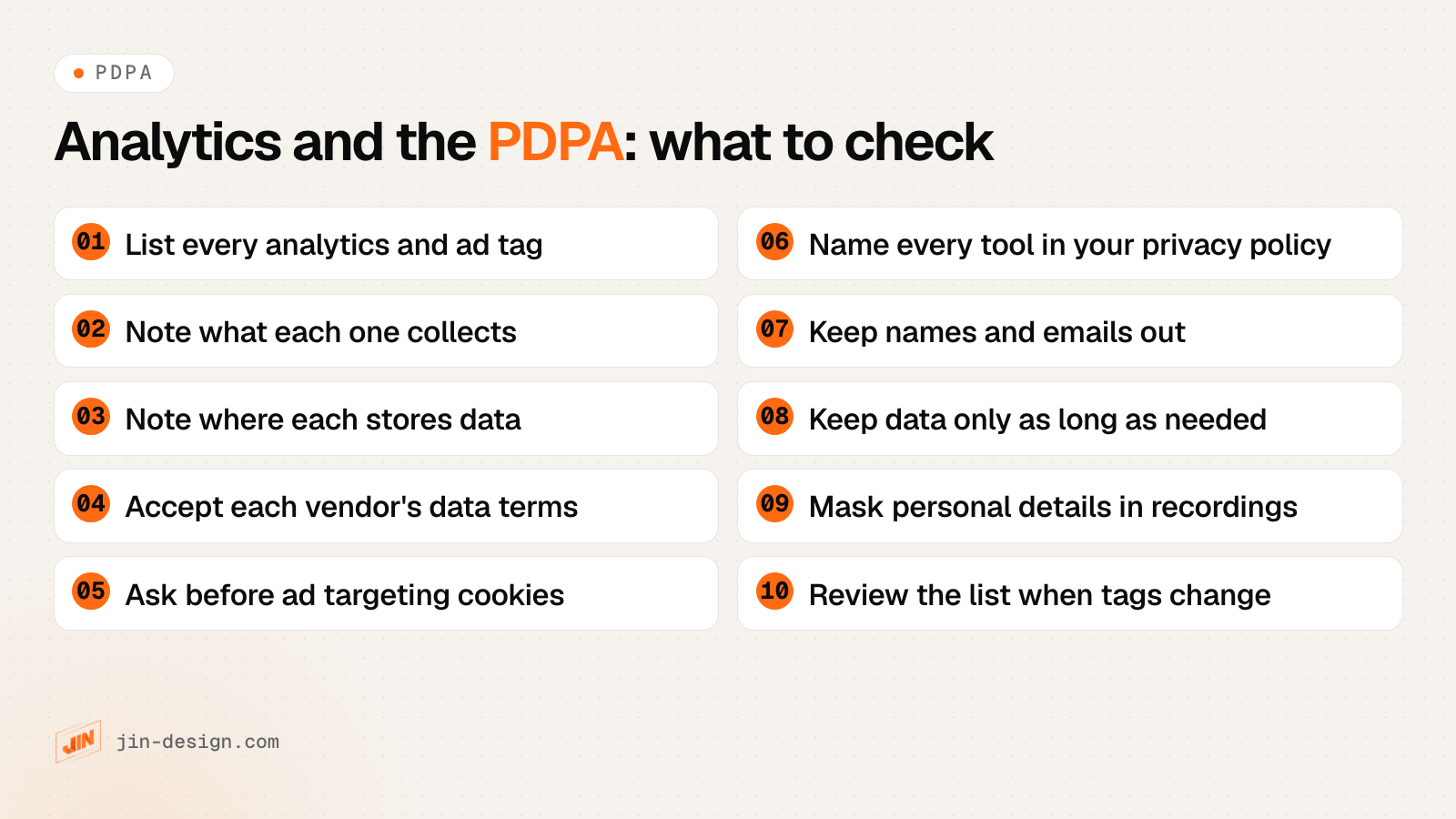
The PDPA’s retention limitation obligation (section 25) asks you to stop keeping personal data once it no longer serves its purpose and keeping it is no longer necessary for legal or business purposes. Our reading: 14 months is easy to justify if you compare a season with the same season last year in explorations. If nobody on your team uses explorations, 2 months collects less.
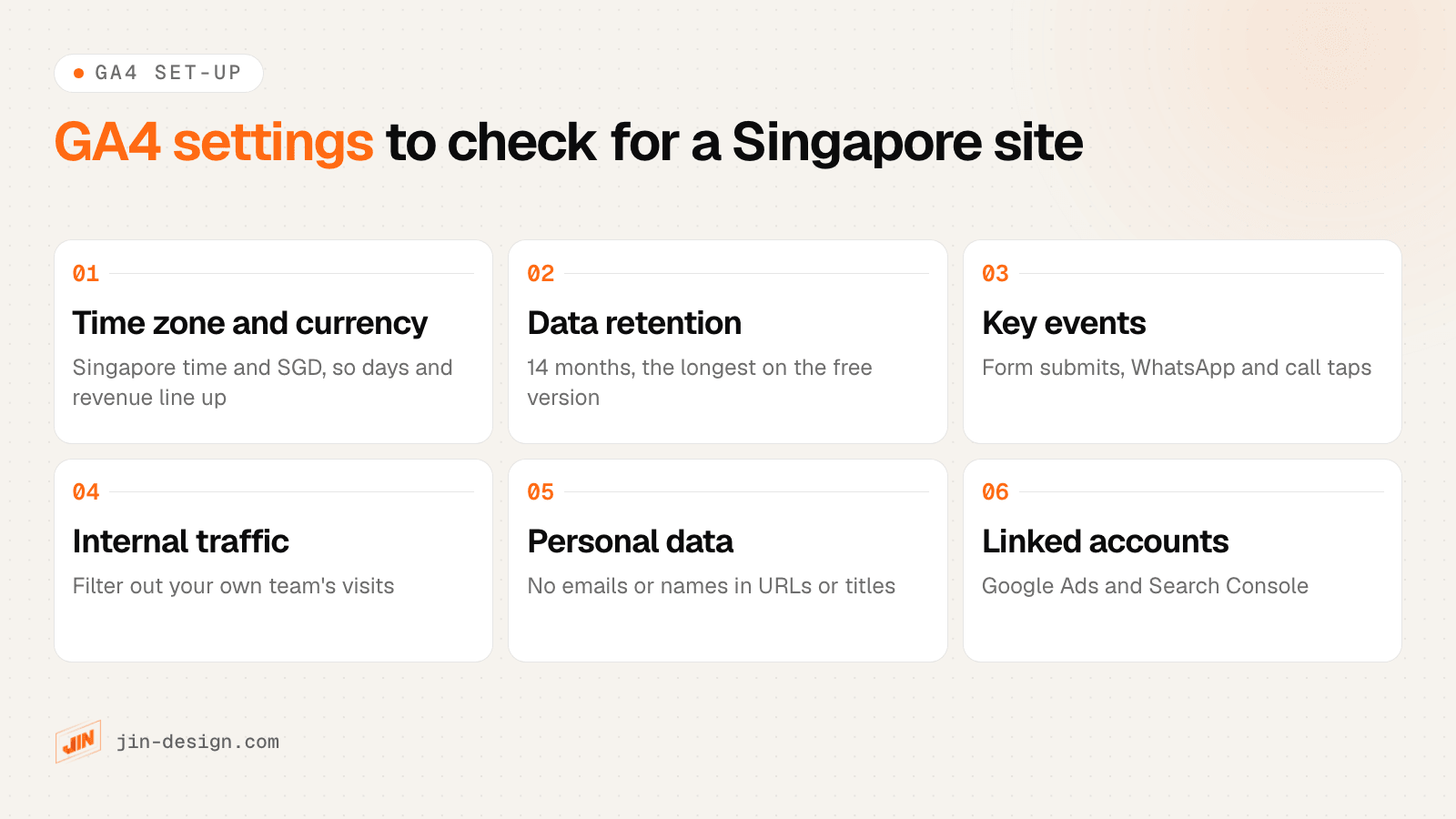
If your property has none of these set, our GA4 setup service covers the configuration, key events and links to Google Ads and Search Console.
Why do website analytics tools show different numbers?
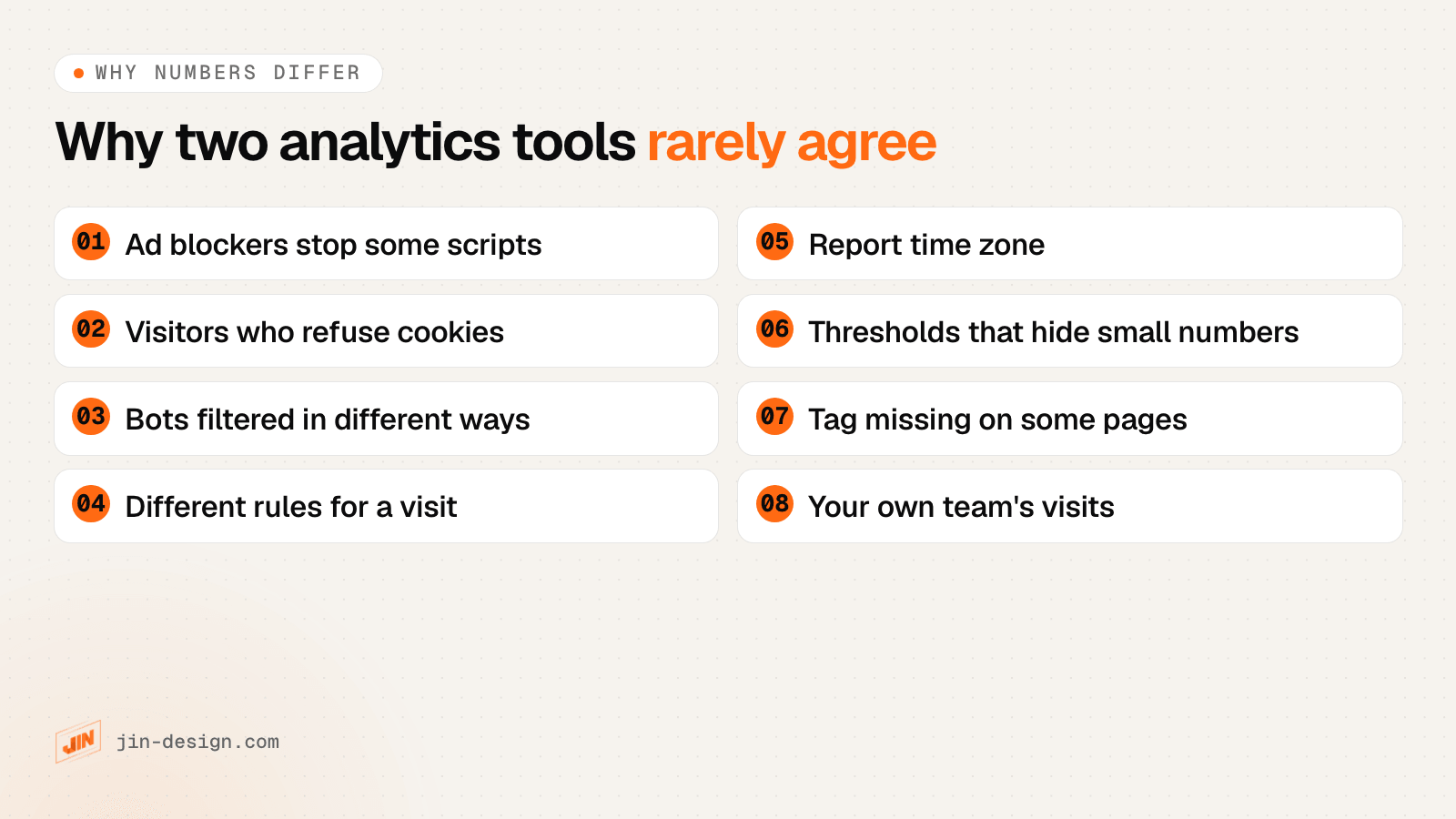
Two analytics tools rarely agree, because each one is blocked, filtered and counted differently. Compare trends over the same dates rather than totals, and choose one tool as the source of truth for each question.
- Ad blockers. Many blockers stop well-known third-party analytics scripts. Tools that run on your own domain are blocked less often, which is one reason they can count more visits.
- Cookie choices. If a visitor refuses analytics cookies, cookie-based tools record less about them, while tools that use no cookies may still count the visit.
- Bots. Each tool filters automated traffic in its own way, and some now report AI crawlers and assistants separately.
- What counts as a visit. Sessions, visits and visitors have different rules for timeouts, midnight and returning people in each tool.
- Time zone. A property set to a US time zone splits Singapore days at the wrong hour.
- Thresholds. GA4 can withhold rows in reports that include demographics or search queries, to stop anyone identifying individuals, according to Google’s page on data thresholds.
- Missing tags and your own visits. A landing page built outside the main site without the tag, or your team’s own browsing, changes one tool’s numbers and not the other’s.
How do you track enquiries, not just visits?
Visits only matter when you can see which of them turned into enquiries. Track form submissions, WhatsApp taps and call taps as key events, and tag every campaign link you share.
- Key events in GA4. Mark your enquiry form, WhatsApp button and phone link as key events, so reports and Google Ads can count them.
- Tagged links. Links shared in WhatsApp chats, email newsletters, PDFs and SMS usually arrive with no referrer, so GA4 files them under Direct. Add UTM tags with our free UTM link builder, which also shows the GA4 channel each link will land in.
- Calls. Singapore is not on Google’s list of countries for Google forwarding numbers, so Google Ads can count taps on your call and WhatsApp buttons, not the calls themselves.
- Enquiries linked to their visits. GA4 does not allow names or emails, so it cannot tell you which campaign brought a particular customer. A first-party tool on your own site can link each enquiry to the visits behind it, which is what our conversion tracking and Pulse do.
How to choose website analytics software
Write down the one question you most need answered, then score two or three tools against it before installing anything.
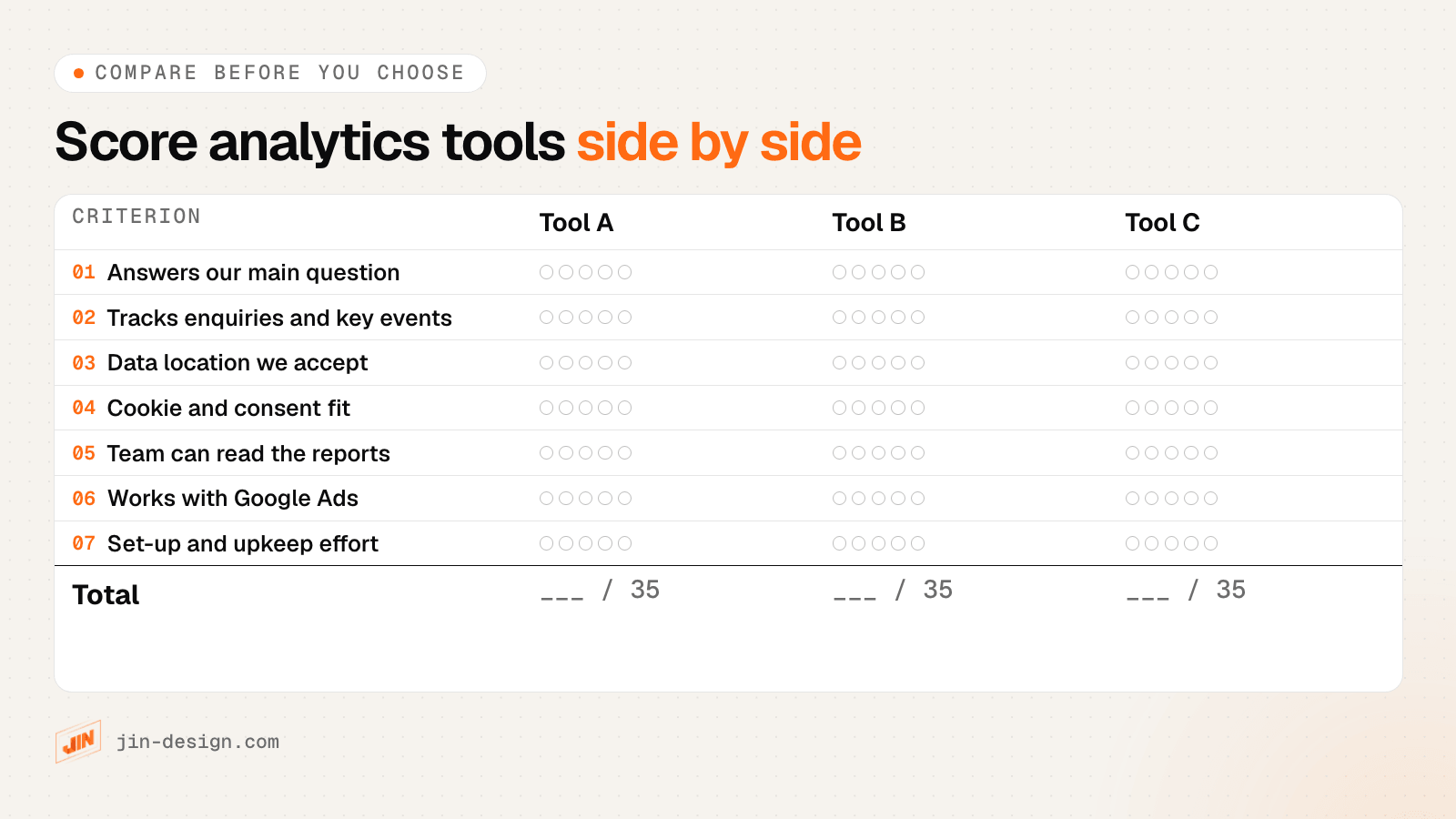
Questions to answer for each tool:
- Who will read the reports? A business owner reading weekly needs a simpler dashboard than an analyst building explorations.
- Do you run Google Ads? If so, keep GA4 for conversions and audiences, whatever else you add.
- Can you accept where the data is kept? Check the location against your privacy policy and any client or sector rules.
- Will it see your enquiries? Test that the form, WhatsApp and call buttons register before you rely on it.
- Who maintains it? Hosted tools need little upkeep; self-hosted tools need someone to update and secure the server.
How we chose these website analytics tools
We started from the tools named most often on the pages that rank in Google Singapore for “website analytics software”, and kept the ones a business would use to measure its own website.
Review directories, SEO suites and competitor research tools are left out, because they measure other sites rather than your own visitors.
Every tool here is a live product with a working website, checked in October 2026. Each entry is written only from the tool’s own website and documentation, with no prices or ratings. The earlier version of this page listed 19 entries; we kept 7, removed 12 (among them review directories and SEO or competitor research suites) and added 7. We re-check the list every quarter.
Need help setting up website analytics?
A clean set-up matters more than the tool you pick. That means correct GA4 settings, a key event on every enquiry route, tagged campaign links and a privacy policy that names each tool.
Our tracking and analytics service sets this up first-party on your own site, and our Pulse dashboard shows which visits became enquiries.
For related reading, see what makes a good landing page, our technical SEO checklist and what website maintenance in Singapore should cover. Our free AI search checker shows whether AI assistants can read your site, now that they appear as a traffic source in several of these tools. Talk to us if you want a second pair of eyes on your analytics.
Frequently asked questions
What is the best free website analytics tool?
Google Analytics 4 is the most complete free option and the one that feeds Google Ads. Microsoft Clarity is free for heatmaps and session recordings, Cloudflare Web Analytics is free for simple traffic counts, and Matomo, Umami and Plausible Community Edition are free to self-host if you run the server yourself.
Is Google Analytics free?
Yes. Google says Google Analytics gives you its tools free of charge. Analytics 360 is Google's enterprise version: 360 properties can keep event data for 26, 38 or 50 months, while user-level data stays at 2 or 14 months.
Is Google Analytics being discontinued?
No. Universal Analytics, the older version, has been replaced: standard Universal Analytics properties stopped processing data on 1 July 2023, and Universal Analytics 360 properties with a current 360 order on 1 July 2024. Google Analytics 4 is the current version, which Google calls its next-generation measurement solution.
What is the difference between web analytics and product analytics?
Web analytics counts visits and shows where they came from, which pages they saw and whether they converted. Product analytics follows what users do inside an app or account over weeks and months, such as sign-ups, feature use and retention. GA4, Matomo and Plausible are web analytics; Mixpanel, Amplitude and PostHog are built for product analytics.
Do I need a cookie banner for Google Analytics in Singapore?
The PDPA has no rule that names cookie banners. PDPC guidance says cookies that collect no personal data need no consent, while targeted advertising that collects and uses personal data through cookies does, and it calls cookie preference settings good practice. In our reading, GA4 used only for reports, with no personal data sent to it, has a weaker case for a banner than GA4 linked to Google Ads remarketing.
Why does GA4 show fewer visitors than my other analytics tool?
Usually because ad blockers stop the Google tag for some visitors, some visitors refuse cookies, and each tool filters bots and defines a visit differently. GA4 can also hide small numbers in some reports through data thresholds. Compare trends over the same dates and time zone rather than totals.
How long does Google Analytics 4 keep data?
On the free version you can keep user-level and event data for 2 or 14 months. 360 properties can keep event data for 26, 38 or 50 months; user-level data stays at 2 or 14. Age, gender and interest data are always kept for 2 months. The setting only limits explorations and funnel reports, not standard reports.
Which analytics tools can keep data in Singapore?
Tools you can host yourself: Matomo, Umami, Plausible Community Edition and PostHog (whose self-hosted version PostHog describes as unsupported) can run on a server in Singapore. None of the hosted services we checked names Singapore as a storage location: they name the EU, the US or other regions (Piwik PRO lists Hong Kong), or do not name a country.