Best Website Hosting Server: How to Choose One in Singapore
How to choose the best server to host a website in Singapore: hosting types, data centre location, backups, support, and hosts with Singapore servers.

The short answer
- 01
Match the server to the website. For most Singapore business sites on WordPress, managed WordPress hosting is the simplest choice; a VPS or cloud server makes sense when a developer will look after it or the site is a custom app.
- 02
Host close to your visitors. If most visitors are in Singapore, pick a data centre in Singapore or nearby, and add a CDN for visitors further away. Data stored overseas also brings the PDPA's transfer rules into play.
- 03
Hosting runs the server, not the website. Check backups, SSL, support hours and that the account is in your company's name, then plan who updates and checks the site itself.
The best server to host a website is one that suits how your site is built and sits close to your visitors. For most Singapore WordPress sites, that means managed WordPress hosting with a data centre in Singapore or nearby.
We build sites through our web design service and look after them through our website maintenance service. The hosting account stays in your company’s name, and this guide helps you pick the right one.
What is a web hosting server?
A web hosting server is a computer, usually in a data centre, that stores your website’s files and database and sends pages to visitors’ browsers when they ask for them. A hosting provider rents you space or resources on its servers and keeps them running and connected to the internet.
Hosting is separate from your domain name. The domain is the address people type, and DNS records point that address to your hosting server. Our guide to domain vs hosting explains how the two work together, and our list of domain registrars in Singapore covers where to register a .sg or .com.sg name.
Which type of web hosting server is best for your website?
For a typical business website on WordPress, managed WordPress hosting is the simplest choice, because the host looks after the server and the WordPress setup underneath your site. The other types suit different needs.
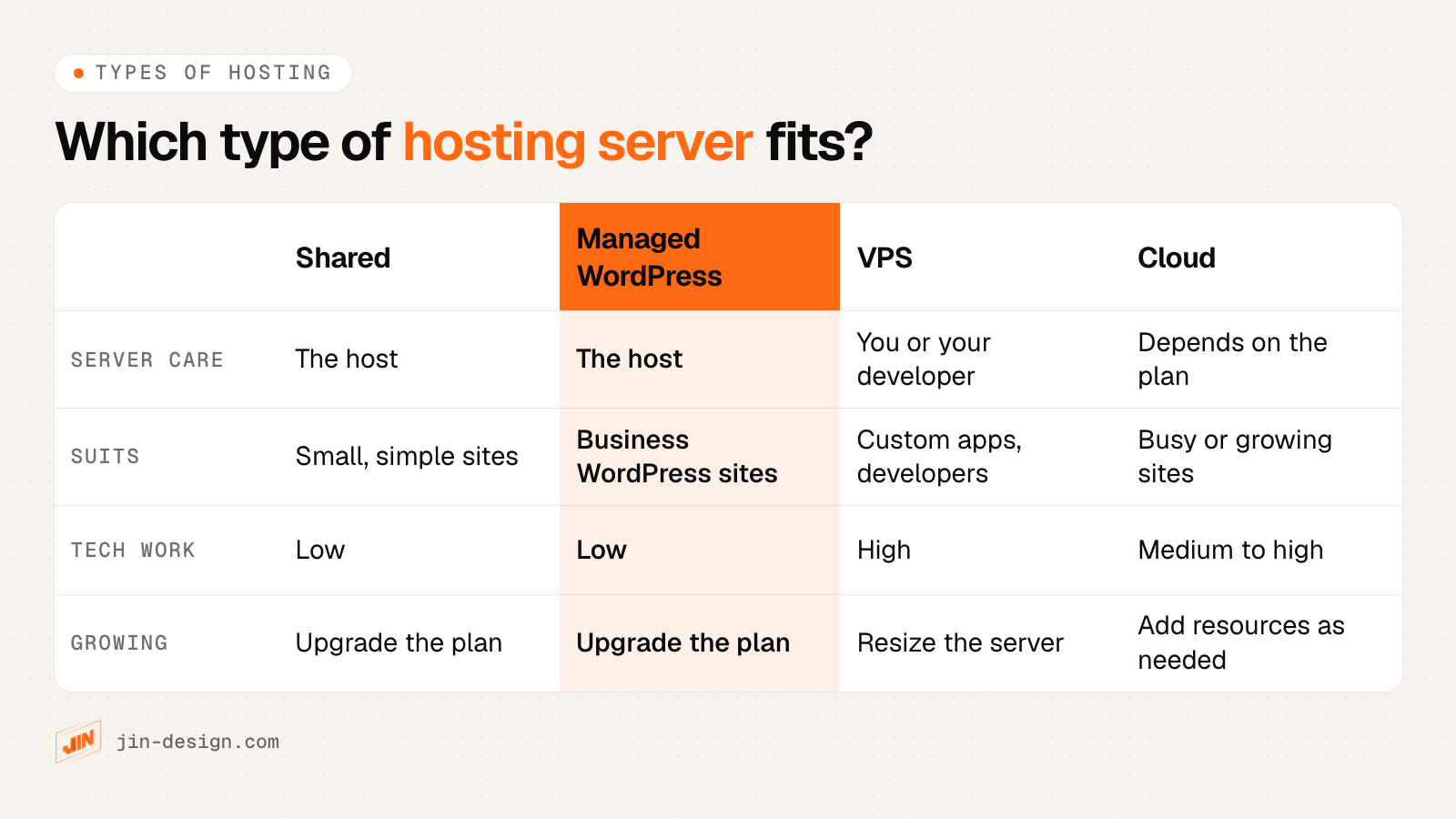
| Type of hosting | How it works | Who looks after the server | Usually suits |
|---|---|---|---|
| Shared hosting | Many websites share one server and its resources | The host | Small, simple sites with modest traffic |
| Managed WordPress hosting | Servers set up and tuned for WordPress, often with staging, backups and caching built in | The host | Business websites and small stores on WordPress |
| VPS (virtual private server) | A slice of a server with its own reserved resources and full control | You or your developer, unless the plan is managed | Custom applications, developers who want control |
| Cloud hosting | Resources from a provider such as DigitalOcean, AWS or Google Cloud, which can be resized | You, your developer, or a managed platform on top | Busy sites, apps and sites that need to grow quickly |
| Dedicated server | A whole physical server for one customer | You or your developer, unless managed | Large, high-traffic or specialised systems |
Two questions narrow the choice quickly. First, what does your site run on? A WordPress site, an online store, a website builder and a custom web app each need different things, and site builders such as Webflow, Wix and Shopify include their own hosting. Second, who will look after the server? If no one on your side manages servers, choose a plan where the host does it.
If you are still deciding on the platform itself, our comparison of WordPress, Webflow and AI-powered websites covers how each one is hosted and maintained.
Does the hosting server location matter for Singapore visitors?
Yes. Every request travels from the visitor to the server and back, so a server in Singapore or nearby answers Singapore visitors sooner than one in the United States or Europe. The difference shows up most in the time to first byte, the wait before a page starts to arrive.
Google’s web.dev guidance suggests that most sites aim for a time to first byte of 0.8 seconds or less, and treats it as a rough guide alongside the Core Web Vitals that measure what visitors see. A nearby server gives you a head start on both.
A content delivery network (CDN) copies images, scripts and cached pages to locations around the world, which helps visitors far from your server. It does less for anything built fresh on each visit, such as a cart, a checkout, a logged-in area or a form, which still has to go back to the server. So pick the data centre for where most of your visitors are, then use a CDN for the rest.
Hosting outside Singapore and the PDPA
Location also matters for personal data. If your website stores enquiries, orders or member details on a server outside Singapore, that is a transfer of personal data overseas. Section 26 of the PDPA, the Transfer Limitation Obligation, only allows it when the data keeps a standard of protection comparable to the PDPA. The PDPC’s Key Concepts guidelines say a contract can do this if it binds the recipient to that standard and names the countries the data may go to.
In practice, read the hosting provider’s data processing terms, note where your data is stored and backed up, and say so in your privacy policy. A Singapore data centre keeps things simpler, though backups and support tools may still sit elsewhere, so ask. This is general guidance, not legal advice.
What to check before choosing a web hosting provider
Beyond the type and location of the server, a few details decide how much work hosting will be for you later. Check each one on the provider’s plan page, or ask its sales team before you pay.
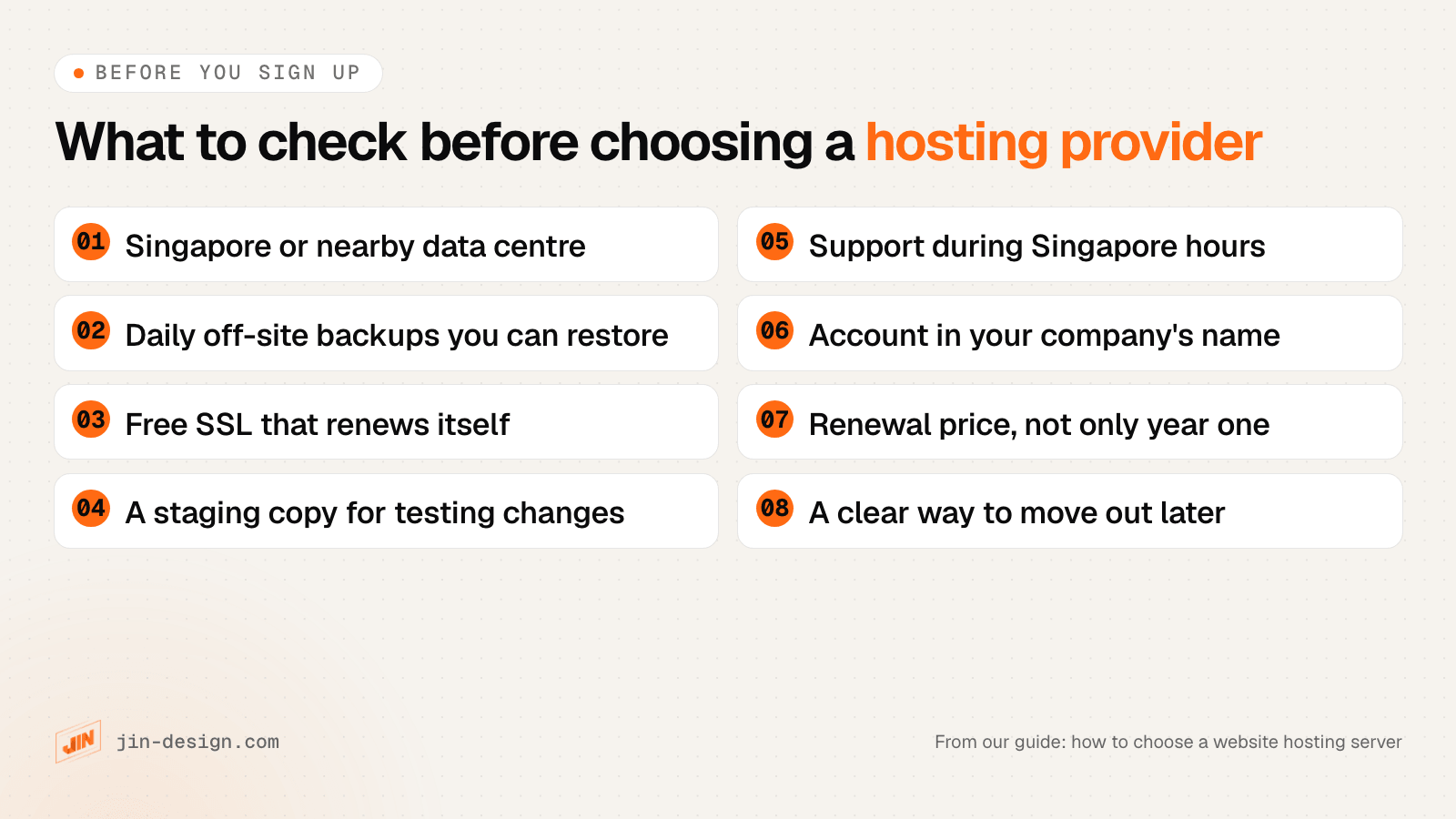
- Backups you can restore yourself. Look for automatic daily backups stored away from the server your site runs on, how many days are kept, and whether you can restore one from the control panel. A backup only counts once you have restored it at least once.
- Free SSL that renews itself. Most hosts include free certificates from Let’s Encrypt or similar, set up and renewed automatically. Confirm it covers both your domain with and without “www”.
- A staging copy. A staging site lets you test updates and changes on a copy before they reach the live site. Managed WordPress plans usually include one.
- Security features that lower the risk. A server firewall, malware scanning, isolated accounts and two-factor login all reduce risk. No host can promise a site will never be hacked, so the website itself still needs updates and care.
- Support you can reach. Check the channels (chat, ticket, phone, WhatsApp), the hours, and whether those hours cover Singapore working time.
- The account in your company’s name. Open the account and the billing in your company’s name with your own email address, and give your developer or agency their own login.
- The renewal price. Many hosts show a first-term price that rises at renewal. Compare the renewal price over two or three years, and check whether GST is included in the price shown. Prices change often, so check them on the provider’s own page on the day you buy.
- A way to move out. Ask how you would download a full backup or move to another host. You should be able to leave without needing the provider’s help.
Should you host business email with your website?
Usually not. Many hosting plans include email accounts on the same server as your website, but it is generally safer to run business email on a separate service such as Google Workspace or Microsoft 365. If the website server has a problem, or you move to a new host, your email keeps working, and you avoid shared server addresses being blocked by other mail systems.
With email elsewhere, your domain’s DNS points the website to the hosting server and email to the mail service. When you change hosts, you only update the website records. Our list of email hosting providers in Singapore covers the options for business email.
Web hosting providers with Singapore servers (2026)
Last checked: 21 October 2026. Each provider was checked on its own website and is listed alphabetically. All offer a data centre in Singapore for at least some plans. We have left out prices because they change often; check them on each provider's own page.
| Provider | Website | Singapore data centre | Main types of hosting | Backups (its site says) |
|---|---|---|---|---|
| Cloudways | cloudways.com | Yes, on DigitalOcean and other clouds | Managed cloud hosting for WordPress and apps | Automated backups, hourly or weekly schedule |
| Exabytes Singapore | exabytes.sg | Yes, “Tier 3 Data Centre (Singapore)” | Shared business hosting, WordPress, VPS, dedicated | Daily backups on business plans |
| Kinsta | kinsta.com | Yes, Singapore (ap-singapore-1) | Managed WordPress hosting | 14 days backup retention |
| QUAPE | quape.com | Yes, “TIA-942 Singapore data centre” | WordPress, VPS, dedicated, colocation | A daily restore point |
| SiteGround | siteground.com | Yes, Singapore | Shared, WordPress, cloud | Daily backups stored in a separate location |
Website partner
JIN Design is a web agency, not a hosting provider. We build your website on the hosting you choose, in your company's name, and look after the website itself: updates, security plugins, backups through the platform or plugins, and checks that forms and tracking still work.
Cloudways
A managed cloud hosting platform, part of DigitalOcean, that runs your site on a cloud server you choose.
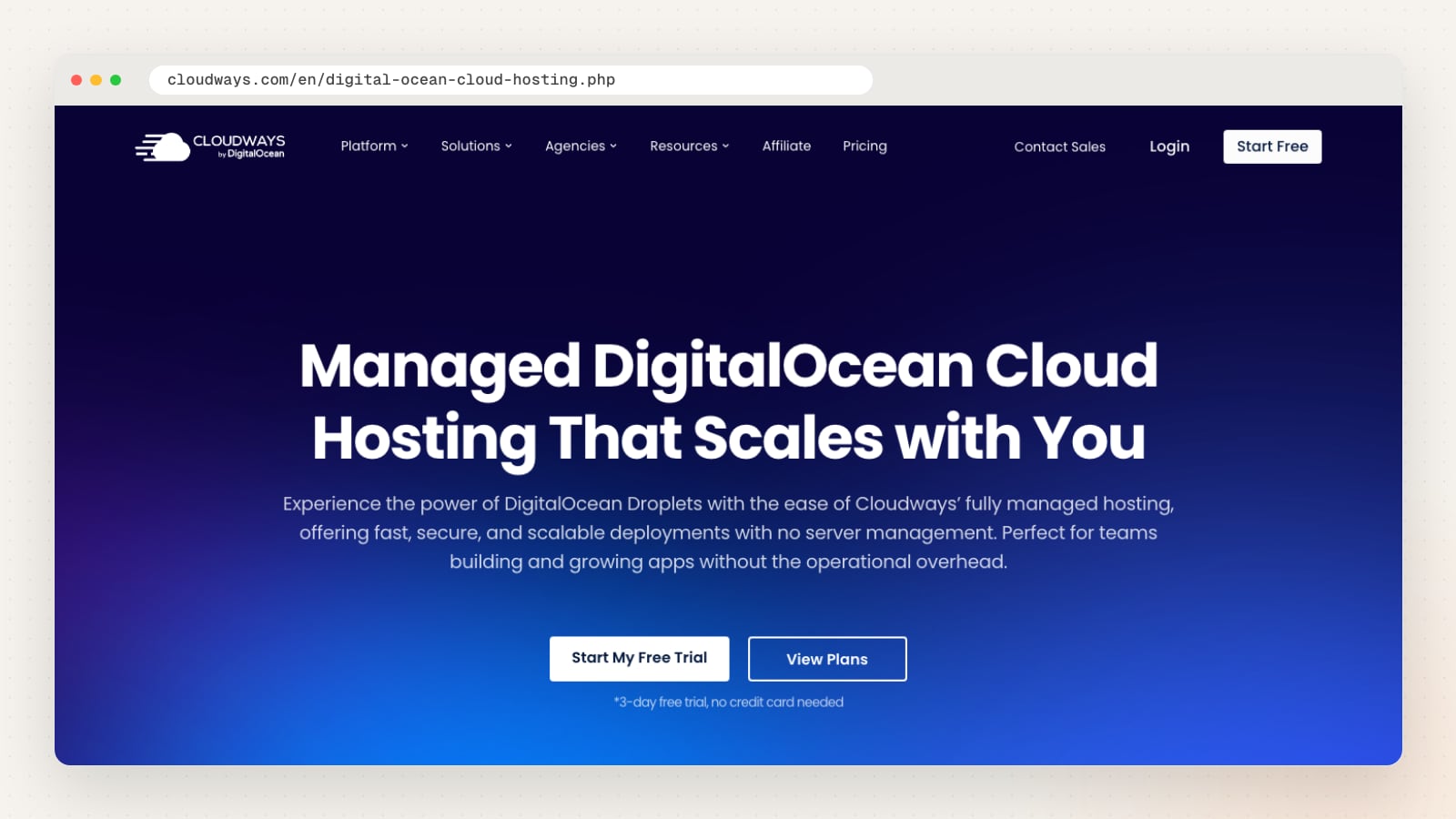
Cloudways sets up and manages servers on cloud providers such as DigitalOcean, AWS and Google Cloud, so you get a cloud server without managing it yourself. Its DigitalOcean page lists Singapore among DigitalOcean’s locations and describes a managed firewall with operating system patching and real-time monitoring.
You choose the server size and location, and can resize later. Its site describes automated backups on an hourly or weekly schedule, free Let’s Encrypt SSL that renews automatically, and 24/7 support.
| Detail | Cloudways |
|---|---|
| Website | cloudways.com |
| Singapore data centre | Yes, on DigitalOcean (Singapore is one of its listed locations) |
| Hosting types | Managed cloud hosting for WordPress, WooCommerce and PHP apps |
| Backups | Automated, hourly or weekly schedule |
| SSL | Free Let’s Encrypt, renews automatically |
| Support | 24/7, per its site |
Things to ask: which cloud provider and Singapore location your plan uses, and what the support plan you choose covers.
Exabytes Singapore
The Singapore arm of a hosting group, offering business web hosting, WordPress hosting, VPS and dedicated servers.
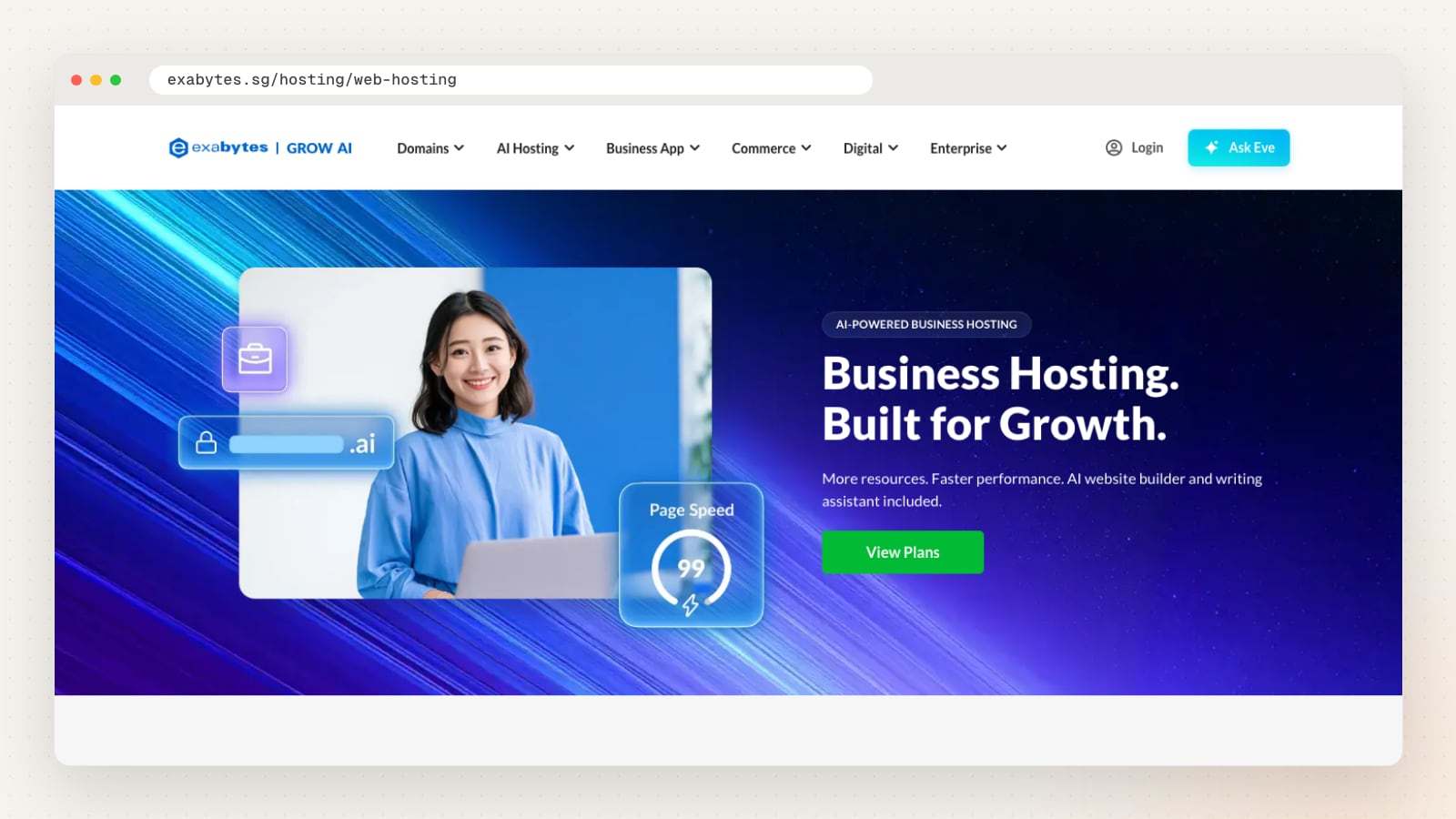
Exabytes Network (Singapore) Pte. Ltd. sells hosting alongside domains, business apps and online store tools. Its web hosting page describes a “Tier 3 Data Centre (Singapore)” for “low latency for Singaporean customers”, with cPanel or Plesk control panels.
Its business plans list daily backups (the two entry plans have weekly backups), free SSL and 24/7 support. Its terms say restoration is “provided on a best-effort basis”, so keep your own copy as well.
| Detail | Exabytes Singapore |
|---|---|
| Website | exabytes.sg |
| Singapore data centre | Yes, per its web hosting page |
| Hosting types | Shared business hosting, WordPress hosting, VPS, dedicated servers |
| Backups | Daily on business plans, weekly on the entry plans |
| SSL | Free SSL listed on its plans |
| Support | 24/7, with chat, WhatsApp, phone and tickets listed |
Things to ask: which plan includes daily backups, and how long backups are kept.
Kinsta
A managed WordPress hosting provider with Singapore as one of its data centre locations.
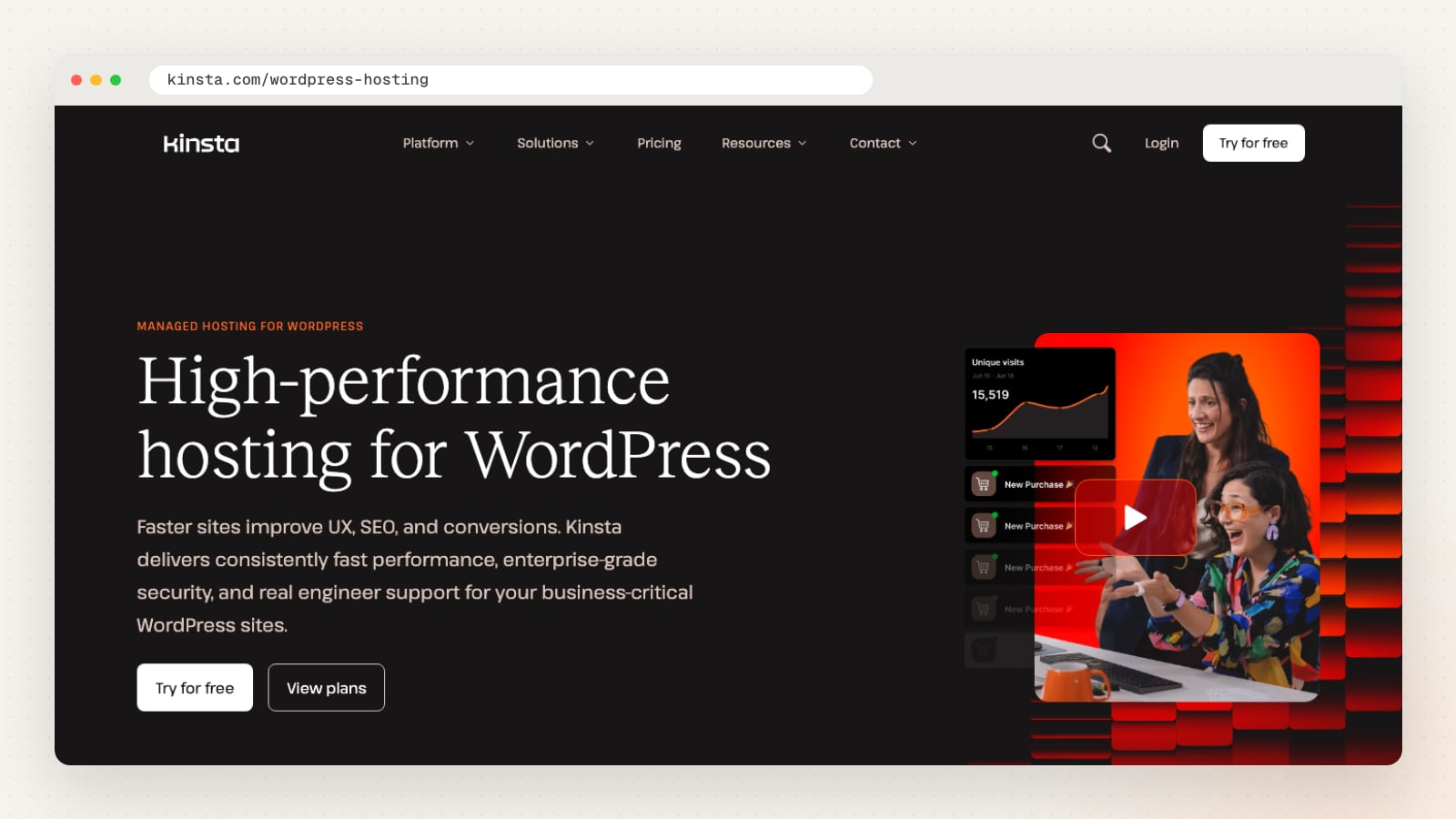
Kinsta hosts WordPress sites only, and each site runs in “its own isolated environment”, its site says. Its documentation lists Singapore (ap-singapore-1) among its managed WordPress data centres.
Its plans list 14 days of backup retention, SSL certificates, a CDN, a firewall and DDoS protection, and “24/7 human support in 8 languages”.
| Detail | Kinsta |
|---|---|
| Website | kinsta.com |
| Singapore data centre | Yes, Singapore (ap-singapore-1) |
| Hosting types | Managed WordPress hosting |
| Backups | 14 days retention |
| SSL | SSL certificates included with plans |
| Support | 24/7, per its site |
Things to ask: whether your plan’s visit limits suit your traffic, and how backups can be downloaded.
QUAPE
A Singapore hosting company, operating since 2006, offering WordPress hosting, VPS, dedicated servers and colocation.
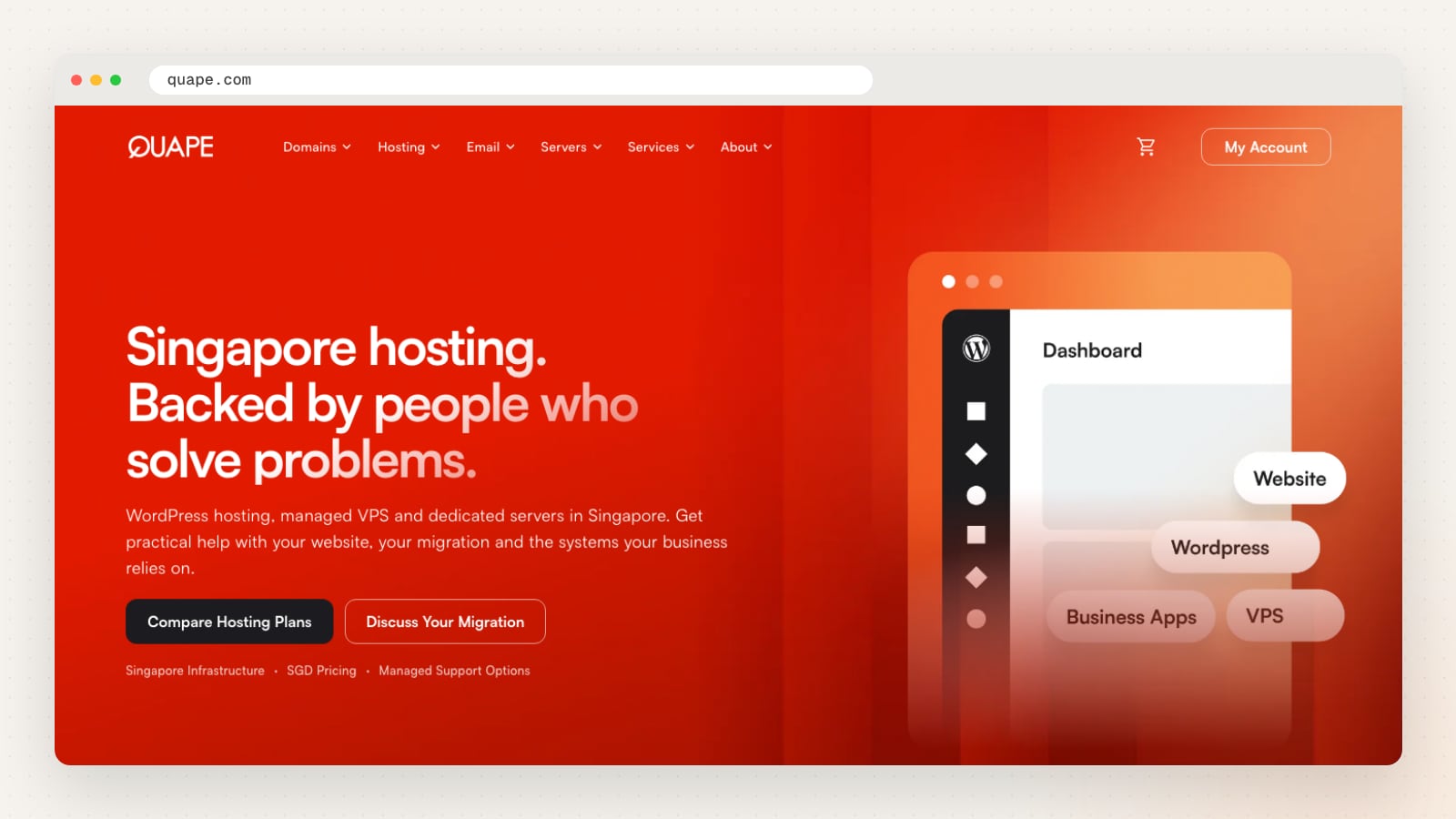
QUAPE Pte Ltd describes itself as “Based in Singapore” and offers WordPress and WooCommerce hosting, managed VPS, dedicated servers and colocation, along with domains and business email. Its WordPress hosting page says sites are served “from a TIA-942 Singapore data centre on NVMe drives”.
The same page lists “a restore point every day”, free SSL, and WordPress core and plugin updates applied each month. It also states that “Hosting does not prevent every security issue”, and offers malware cleanup as a separate service. VPS plans and above include a WhatsApp line to its Singapore engineers.
| Detail | QUAPE |
|---|---|
| Website | quape.com |
| Singapore data centre | Yes, per its WordPress hosting page |
| Hosting types | WordPress and WooCommerce hosting, VPS, dedicated servers, colocation |
| Backups | A daily restore point on WordPress hosting |
| SSL | Free SSL on every WordPress plan |
| Support | Tickets at any hour on every plan; WhatsApp to engineers on VPS plans and above |
Things to ask: what the monthly updates cover on your plan, and how long restore points are kept.
SiteGround
A hosting company with data centres on four continents, including Singapore, offering shared, WordPress and cloud hosting.
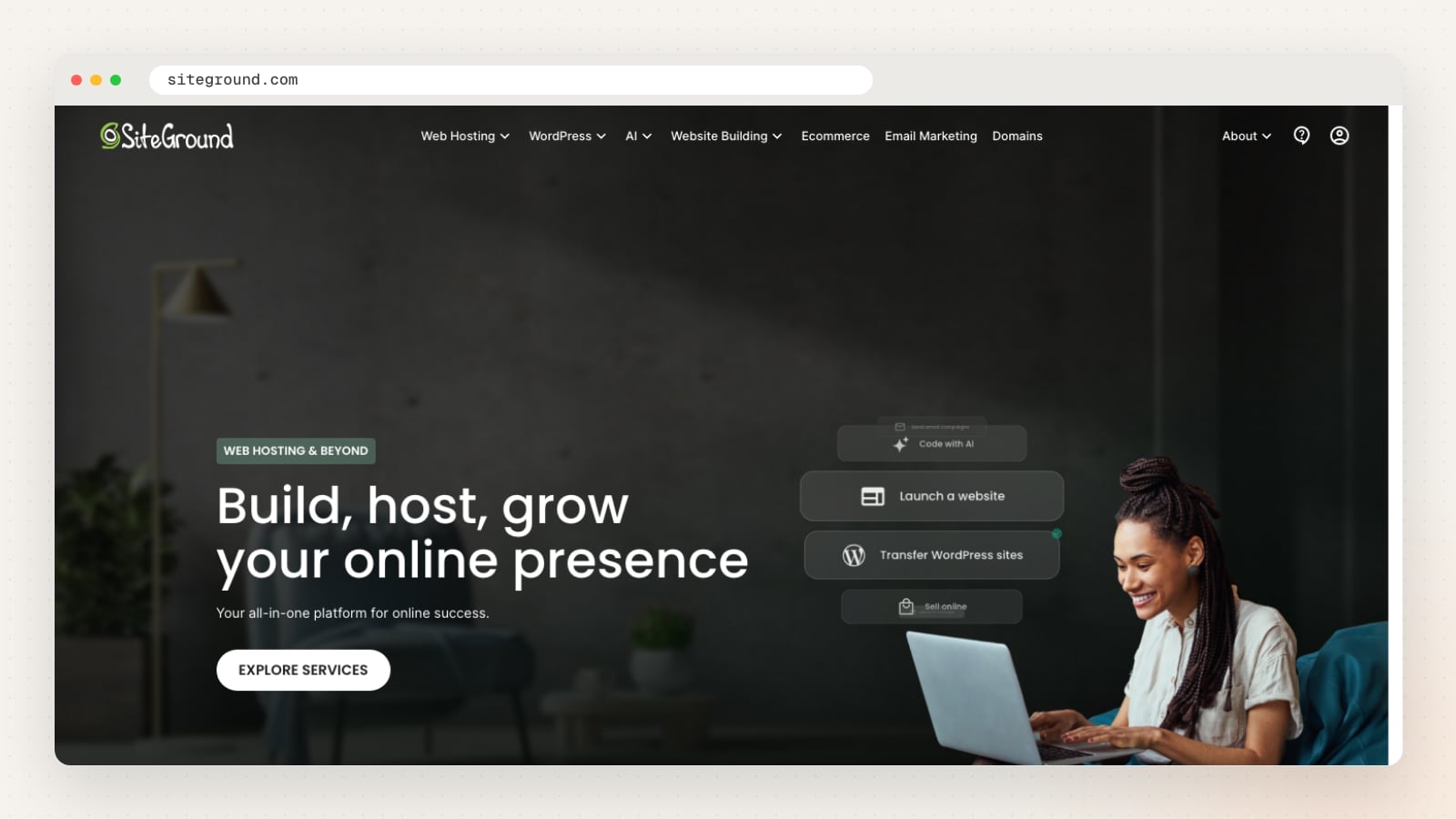
SiteGround’s help centre lists Singapore among its data centres and says customers can choose the location for their website. It also says “Singapore, SG servers are backed up in Singapore, but on different machines”, so backups of sites hosted in Singapore also stay in Singapore.
Its WordPress hosting page lists free daily backups stored in a different location from the site, free wildcard SSL, managed automatic updates, a web application firewall, and 24/7 support by chat and phone.
| Detail | SiteGround |
|---|---|
| Website | siteground.com |
| Singapore data centre | Yes, chosen when you set up the site |
| Hosting types | Shared web hosting, WordPress and WooCommerce hosting, cloud hosting |
| Backups | Free daily backups, stored apart from the site |
| SSL | Free wildcard SSL |
| Support | 24/7 chat and phone |
Things to ask: to choose the Singapore data centre at sign-up, and what the renewal price will be after the first term.
Who looks after the website after you choose a hosting server?
The hosting provider keeps the server running. It does not usually update your WordPress plugins, check that your contact form still sends, or fix a page that breaks after an update. That work sits with you, your developer or a maintenance plan.
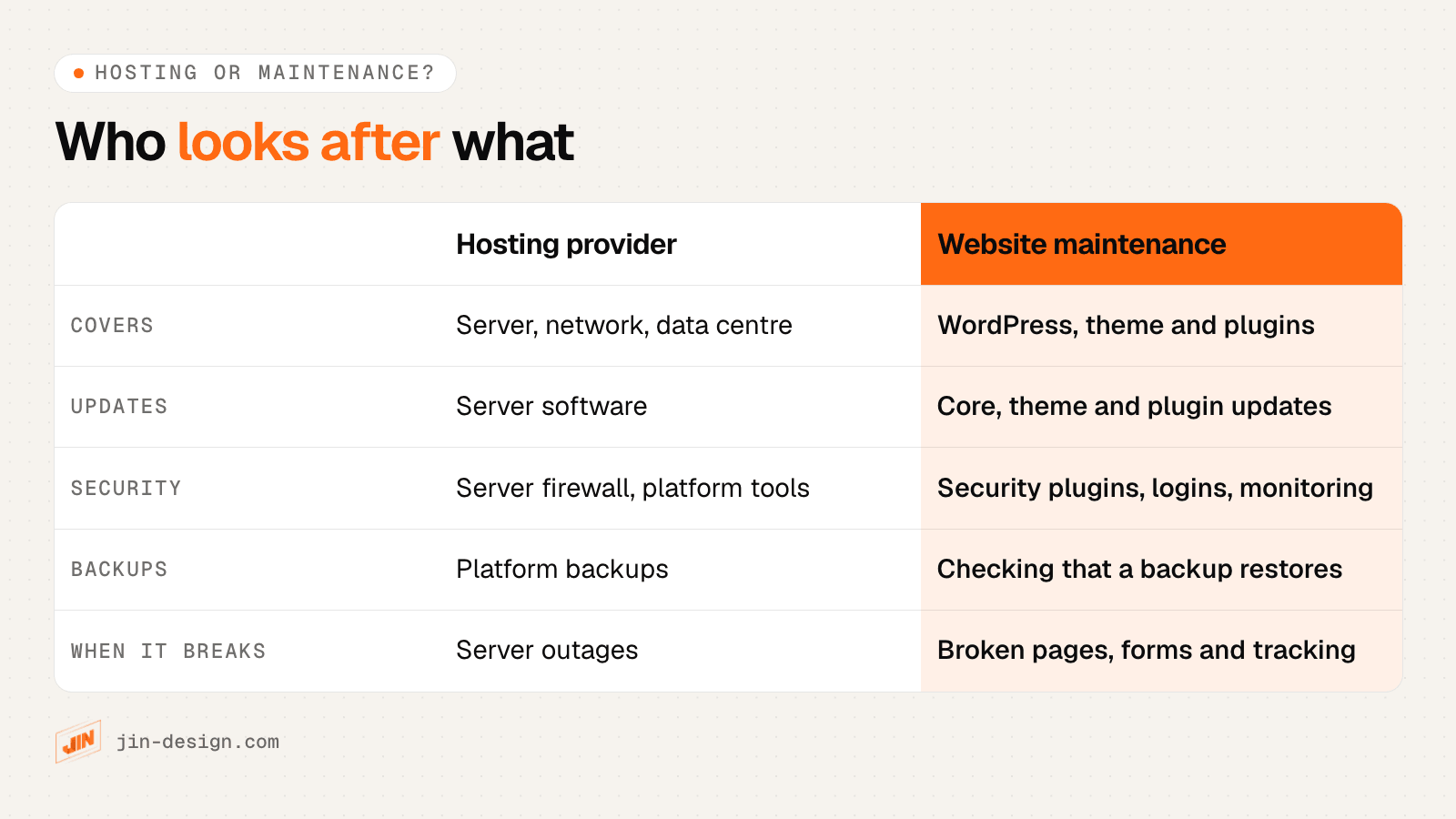
Managed WordPress hosts blur the line a little, because some apply WordPress or plugin updates for you. Even then, someone needs to check the site after each update, keep an eye on security alerts, confirm that backups restore, and make sure forms, payments and tracking still work.
This is the work our website maintenance service covers. Your site stays on hosting in your company’s name, and we look after WordPress, plugins, security plugins, updates and backups through the platform or plugins.
How to choose a web hosting server: a quick decision guide
Work through these questions in order. The first two usually narrow the choice to one type of hosting before you compare providers.
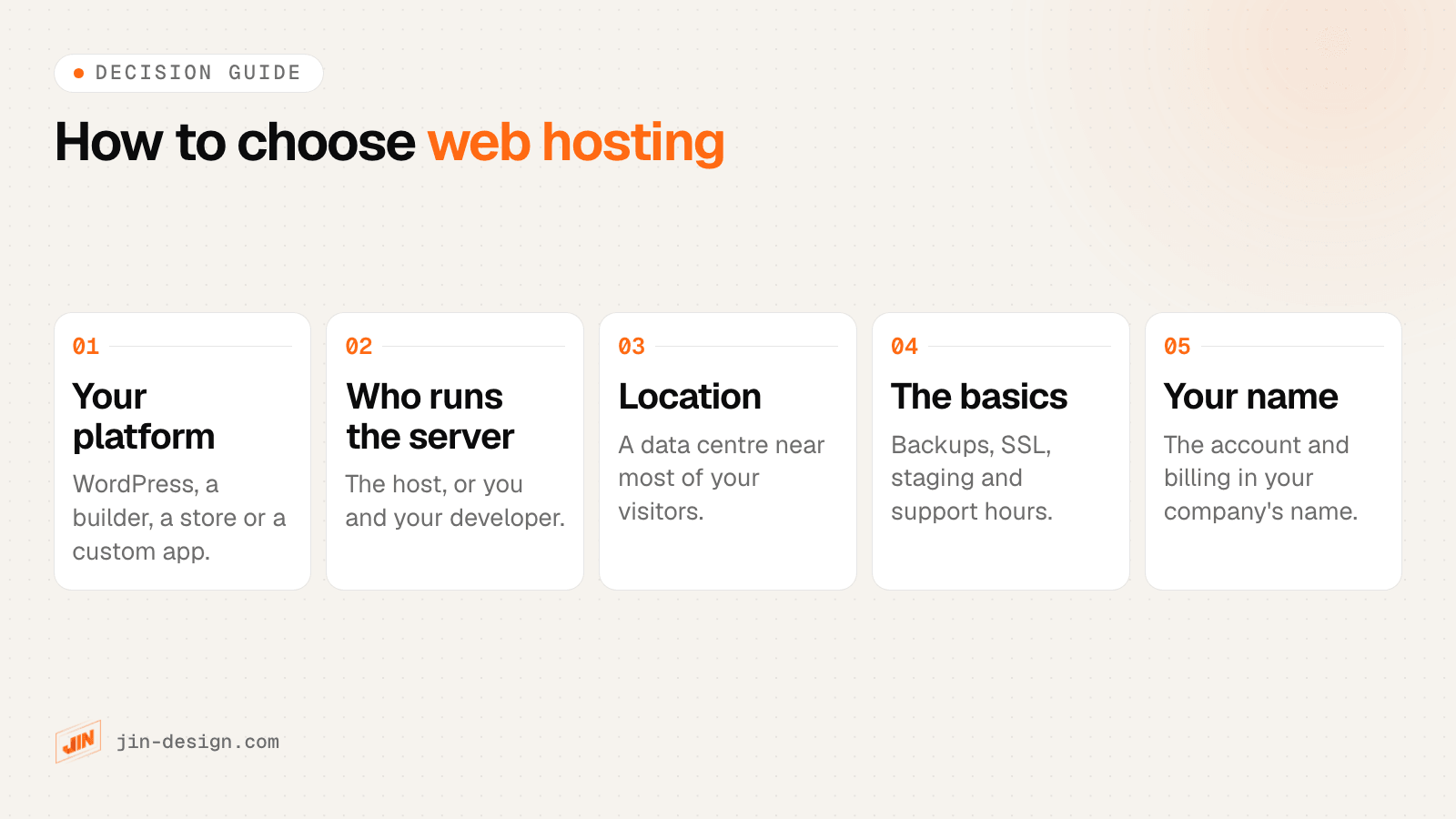
- What does your website run on? WordPress points to managed WordPress or good shared hosting. A builder such as Webflow or Shopify includes hosting. A custom app points to a VPS or cloud server.
- Who will look after the server? If nobody on your side manages servers, choose a plan where the host does. A VPS or bare cloud server needs a developer who will patch and monitor it.
- Where are your visitors? For a Singapore audience, choose a Singapore data centre, or a nearby one, and add a CDN if you also serve visitors overseas.
- Are the basics covered? Daily off-site backups you can restore, free SSL, a staging copy, and support during Singapore hours.
- Is it in your name? Open the account and billing in your company’s name, and give your developer or agency a separate login.
Two examples, for illustration. A professional services firm with a ten-page WordPress site and a contact form would usually be well served by managed WordPress hosting in Singapore. A company running a booking system built for it by a developer would more often use a cloud server in Singapore, managed either by that developer or through a managed platform.
Need help choosing hosting for your website?
We design and build websites for Singapore businesses, set them up on hosting in your company’s name, and look after them once they are live. See our web design service for a new site, our website maintenance service for ongoing care, or talk to us about the site you have now.
Frequently asked questions
Which server is best to host a website?
The one that suits what your website runs on and who will look after it. For a typical Singapore business website on WordPress, managed WordPress hosting with a data centre in Singapore or nearby is the simplest option, because the host looks after the server. A VPS or cloud server suits custom applications or teams with a developer who will manage it.
Do I need a Singapore server if my customers are in Singapore?
It helps. A server in Singapore or nearby shortens the distance every request travels, which lowers the time to the first byte of each page. A CDN can make up some of the difference for files it caches, but pages that are built on each visit, carts and forms still go back to the server.
Is shared hosting enough for a small business website?
It can be for a small, simple site with modest traffic, such as a few pages and a contact form. Your site shares the server with other accounts, so check what resources the plan includes and that it offers daily backups, free SSL and support you can reach. Online stores and busier sites usually do better on managed WordPress, VPS or cloud plans.
Can I move my website to another hosting provider later?
Yes. Copy the files and database to the new host, test the site there, then point your domain's DNS to the new server. Plan it for a quiet time, keep the old account running until the new one is confirmed, and check forms, email records and SSL after the switch.
Should hosting be in my company's name?
Yes. Open the hosting account, the domain and the billing in your company's name, with your own email address as the owner, and give your developer or agency a separate login. If you part ways with a supplier, you keep control of the website without having to ask for it back.
Does web hosting affect SEO?
Indirectly. Hosting affects how fast pages load and how often the site is available, and both affect visitors and how Google can crawl the site. Good hosting will not make a page rank on its own, but slow responses or frequent downtime can hold a site back.